Automatically Post Your Etsy Products to Instagram
Turn your existing and future Etsy listings into Instagram posts automatically. Add your Etsy store to Nuelink, connect your Instagram Business or Creator account, and let Nuelink create and schedule product content using your listing photos, videos, and details.


Automate Etsy to Instagram in a Few Minutes
Features
Automatically Turn Etsy Listings into Instagram Posts
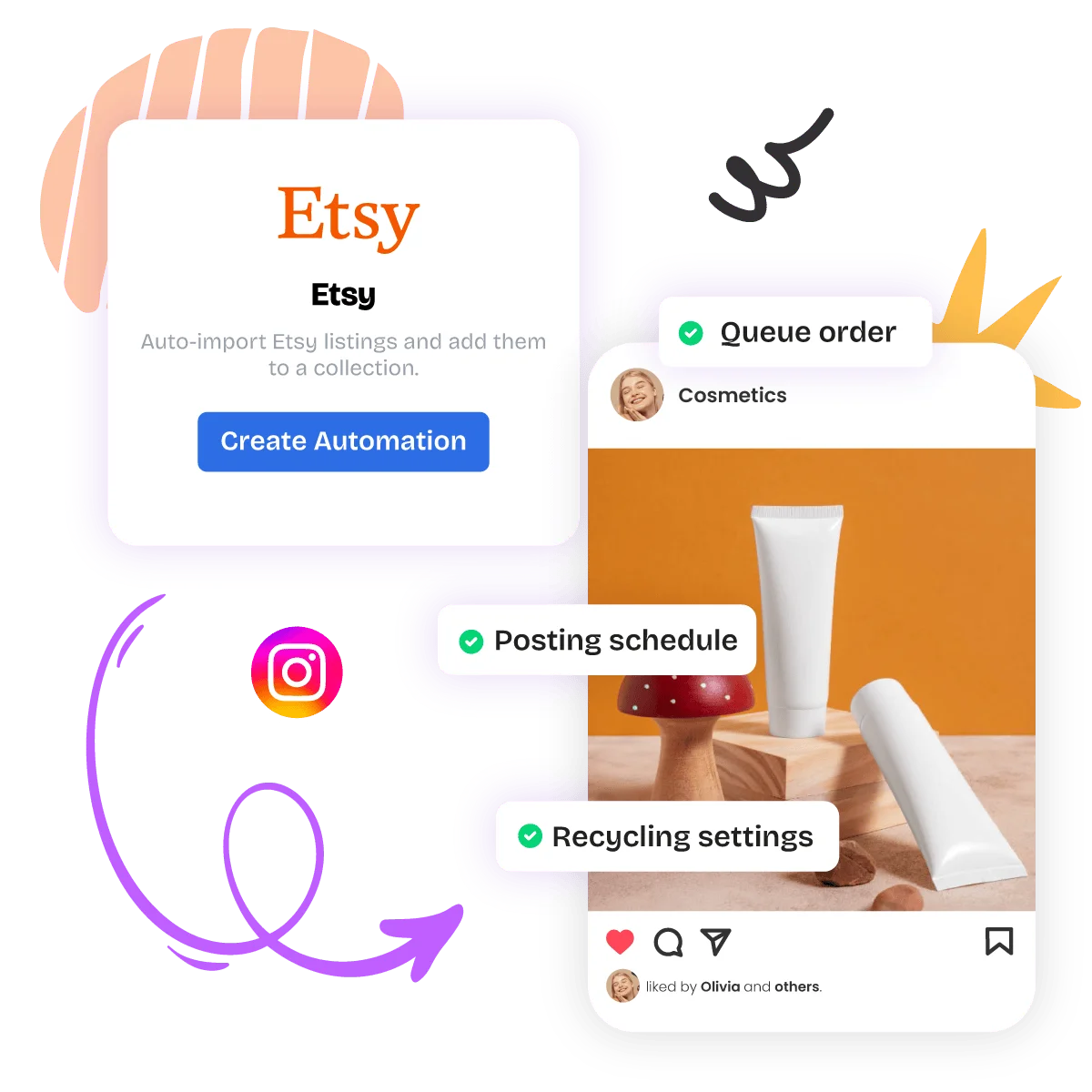
Once your automation is active, Nuelink checks your Etsy store for new products and automatically turns them into Instagram content.
Your products are added to a dedicated collection where you can control the Instagram account, posting schedule, queue order, and recycling settings.
Import Existing and Future Etsy Products
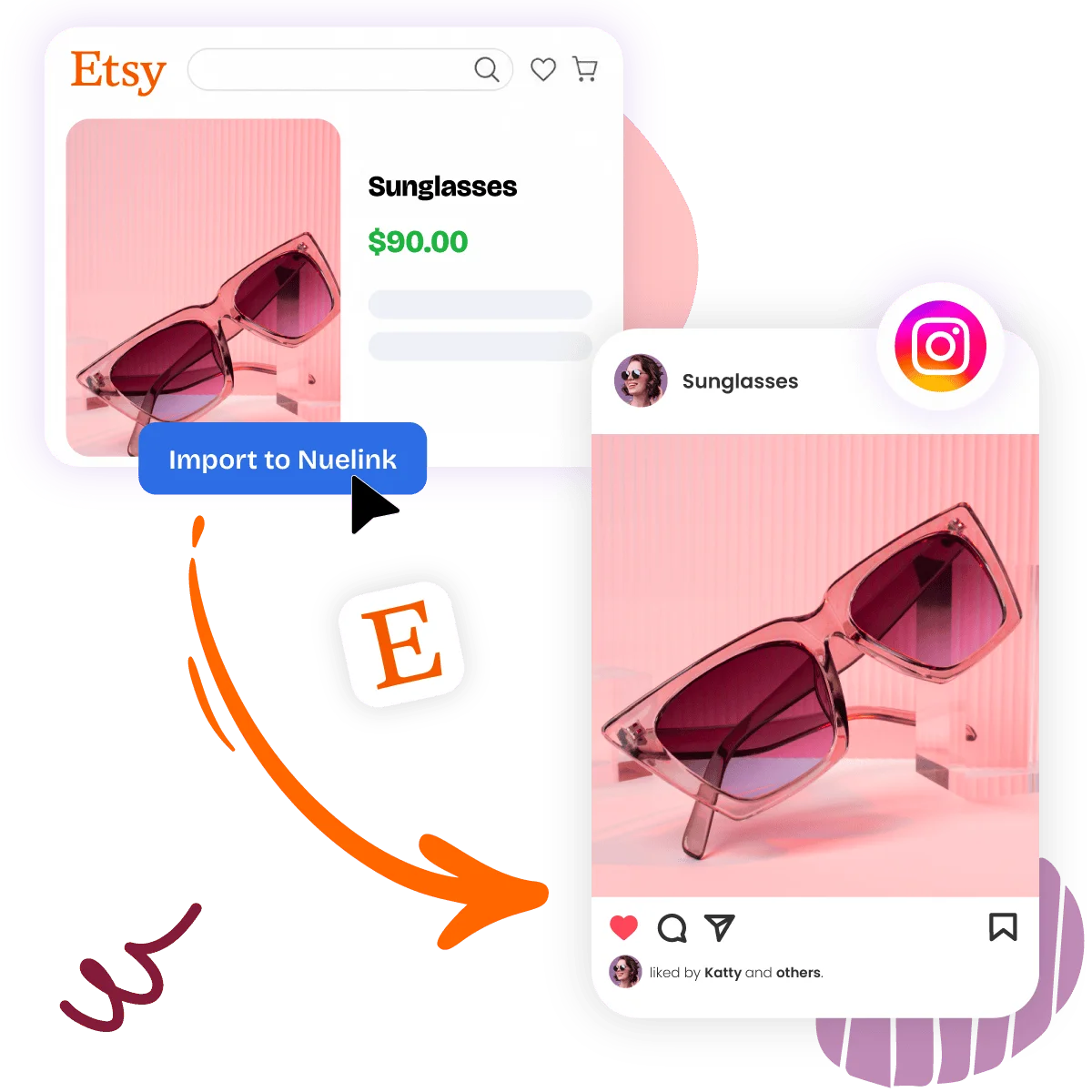
You can import products already available in your Etsy store, automatically import new listings, or do both.
This allows you to promote your existing catalog while keeping your Instagram content updated whenever you add a new product.
Create Instagram-Ready Product Content
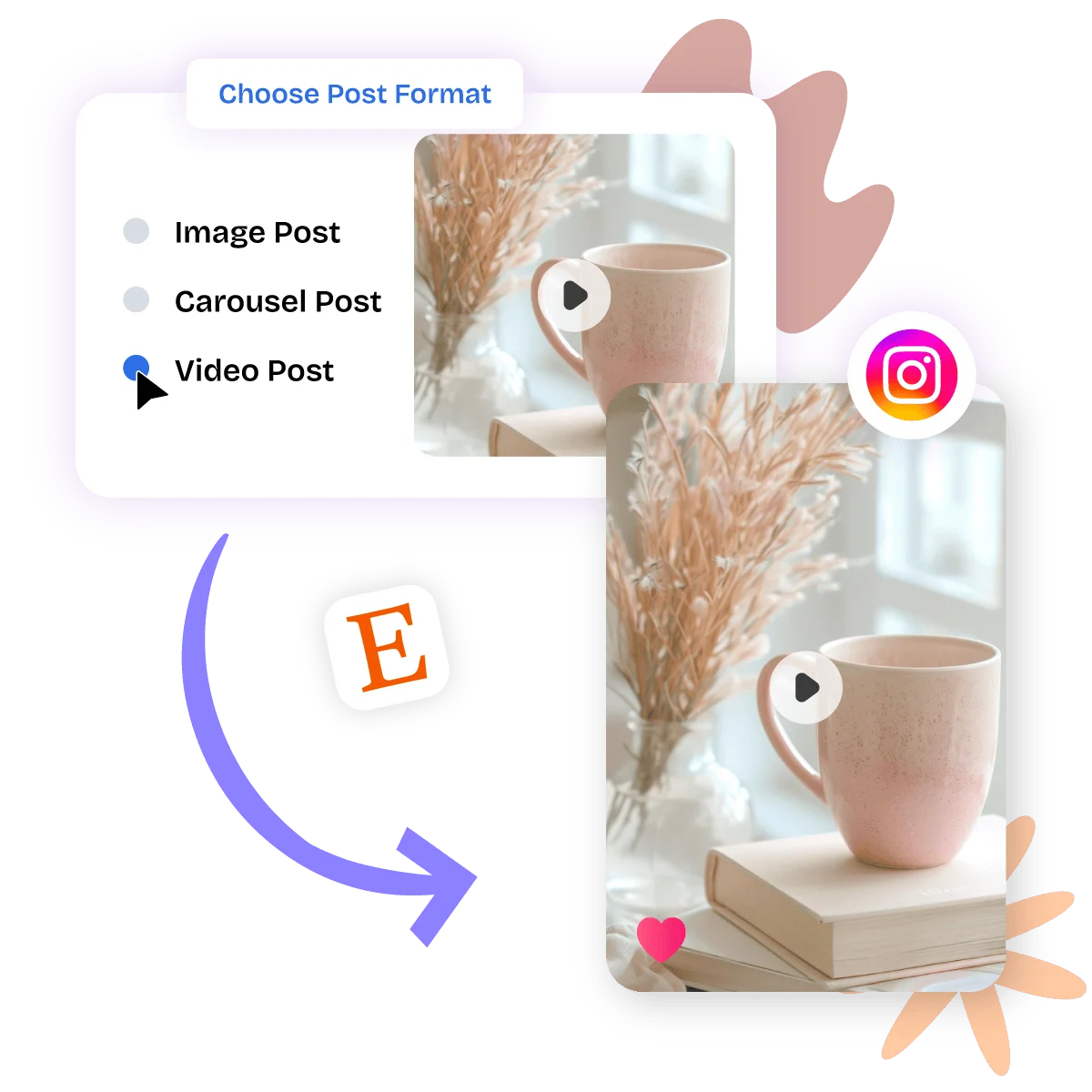
Choose how your Etsy products appear on Instagram:
- Single-image posts: Uses your main product photo
- Carousel posts: Uses multiple listing photos
- Video posts or Reels: Uses product video from your Etsy listing
Use single images for a clear product spotlight, carousels to show multiple angles, and video when you want a more dynamic presentation.
Automatically Generate Instagram Captions
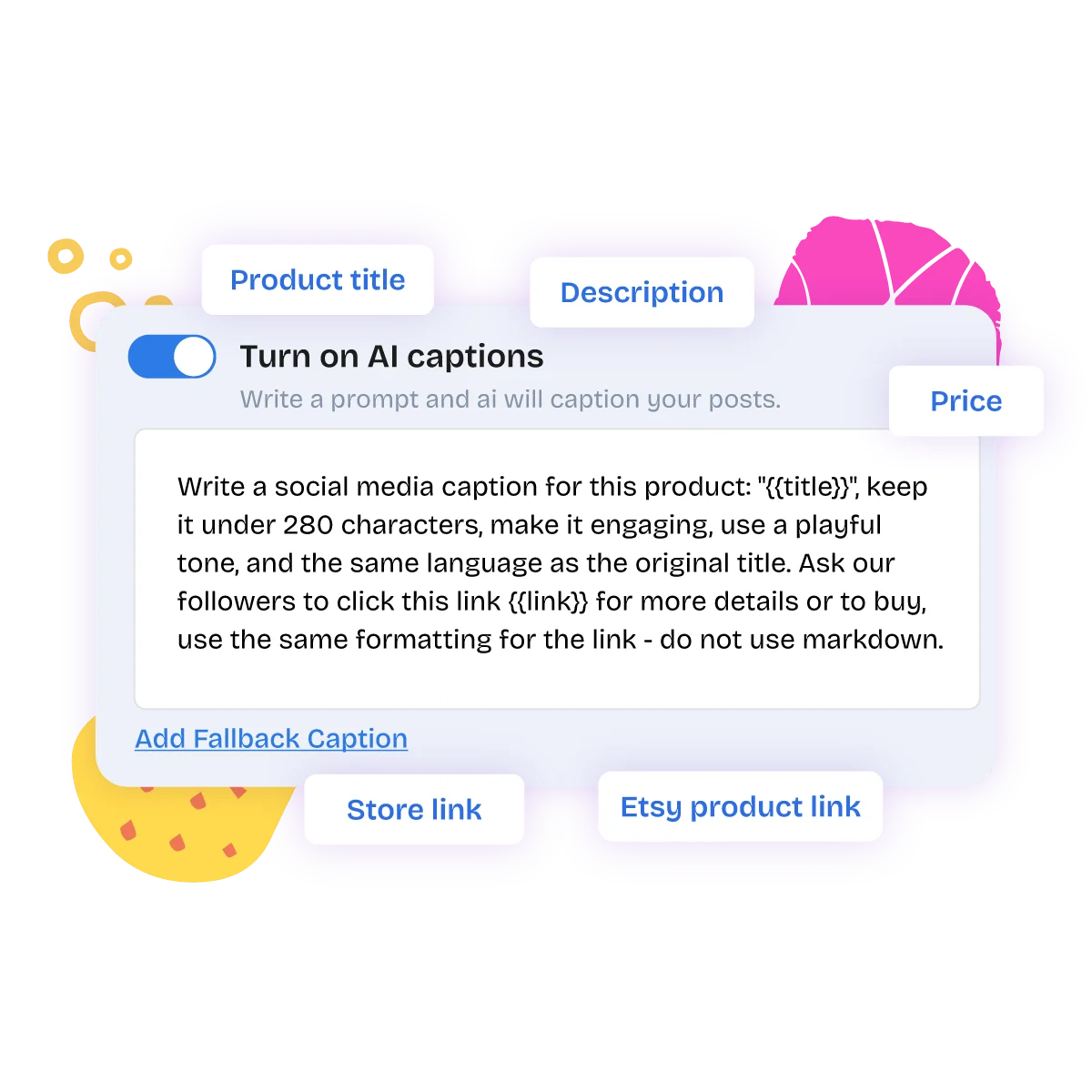
Use your own caption templates or let NueAI write a unique Instagram caption for every product. Captions can use details from the Etsy listing, including:
- Product title
- Description
- Price
- Etsy product link
- Store link
You can add multiple caption variations and reusable hashtag groups to keep your Instagram product posts fresh.
Add Follow-Up Comments Automatically
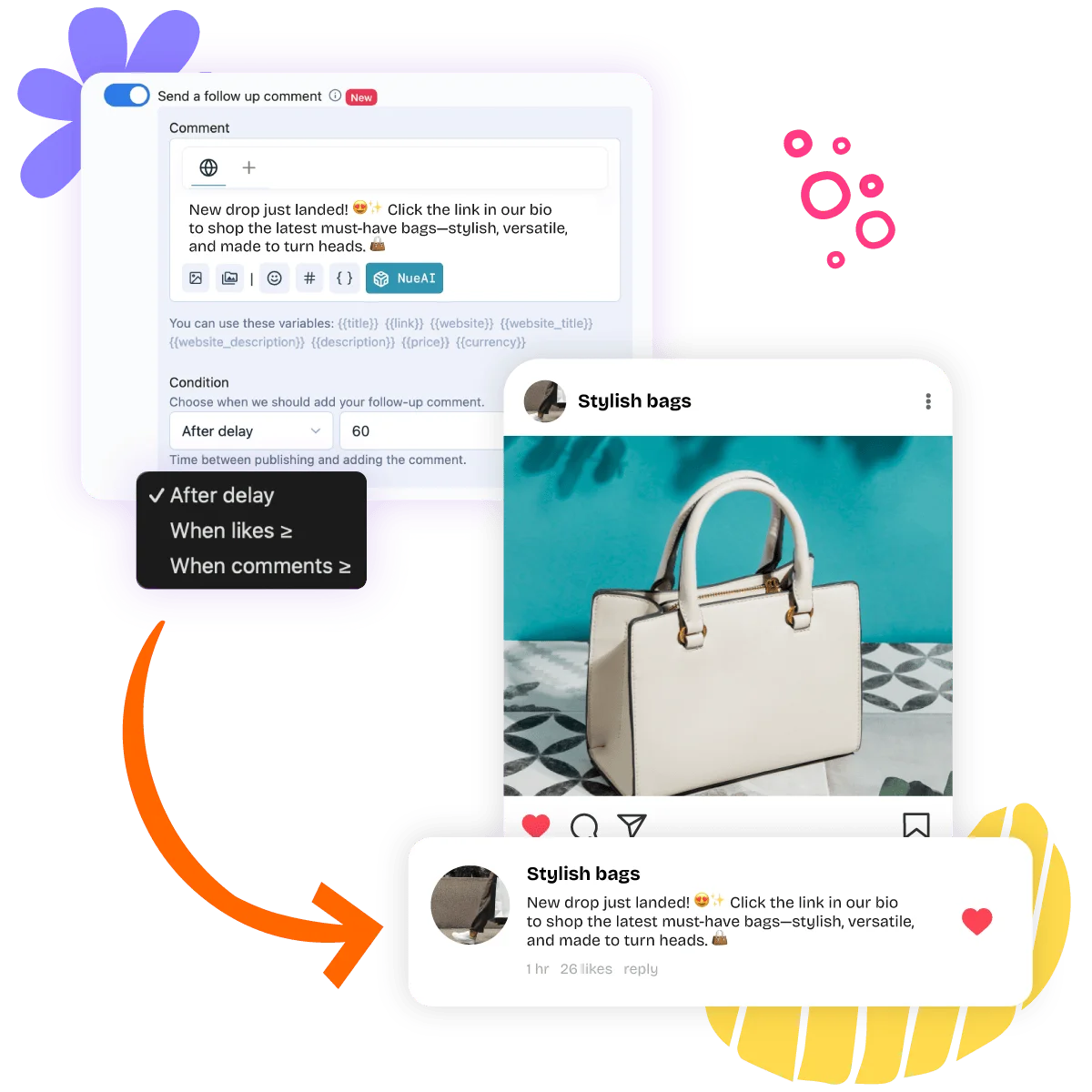
Prepare a follow-up comment that Nuelink publishes after your Instagram post.
Use the comment for extra product details, hashtags, questions, or a call to action. You can choose the delay and use variables such as the product title, price, and link.
Instagram follow-up comments support text and variables, but not images.
Control Which Etsy Products Get Posted
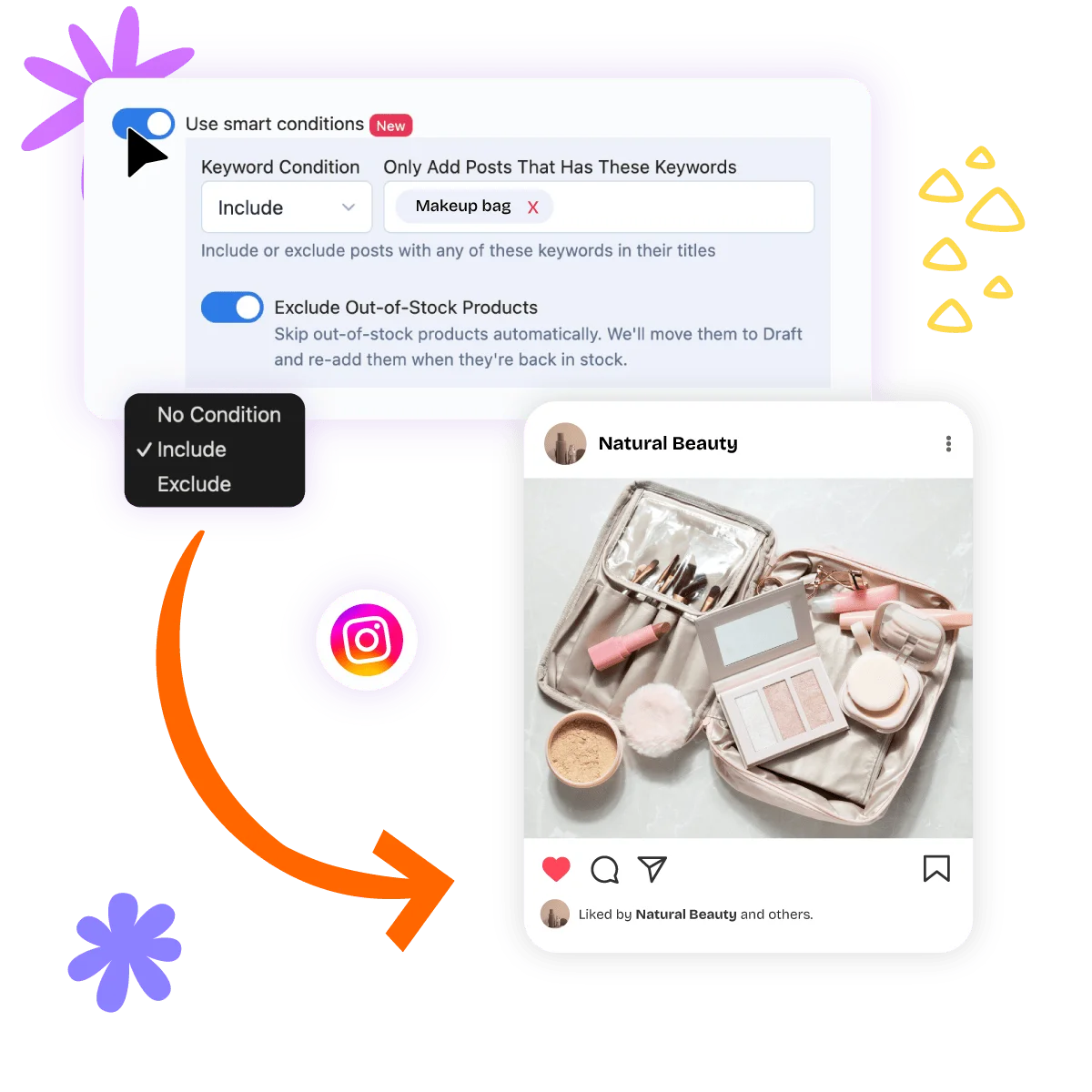
Use Smart Conditions to decide which products should be imported and published. You can:
- Include products containing specific keywords
- Exclude products containing specific keywords
- Prevent out-of-stock products from being published
- Promote only a specific Etsy collection
This gives you control over which products appear on your Instagram account.
Publish New Etsy Products Immediately
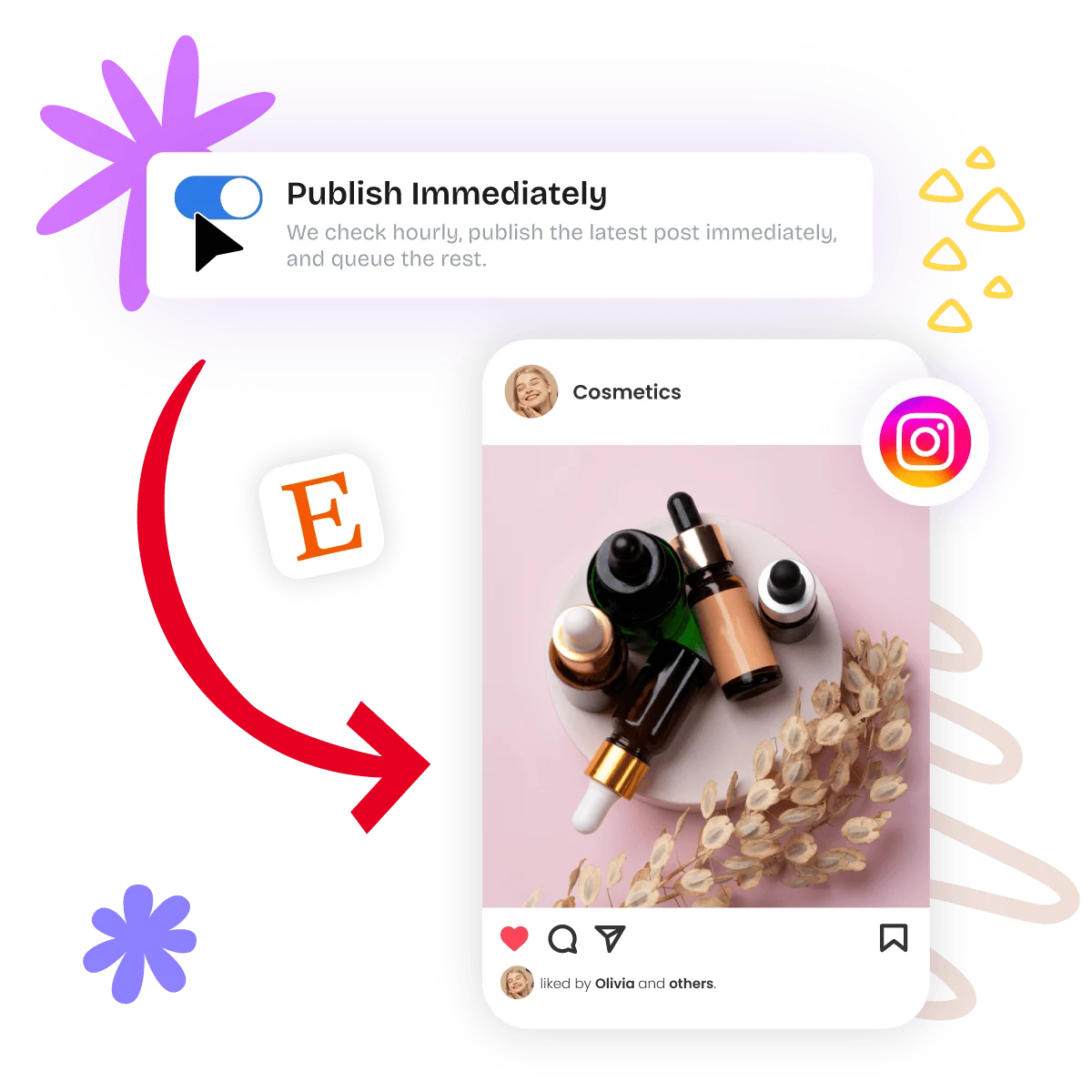
Turn on Publish Immediately to share your newest Etsy products without waiting for the next available queue slot.
Nuelink checks your Etsy store hourly, publishes the latest eligible product immediately, and adds any remaining products to your queue.
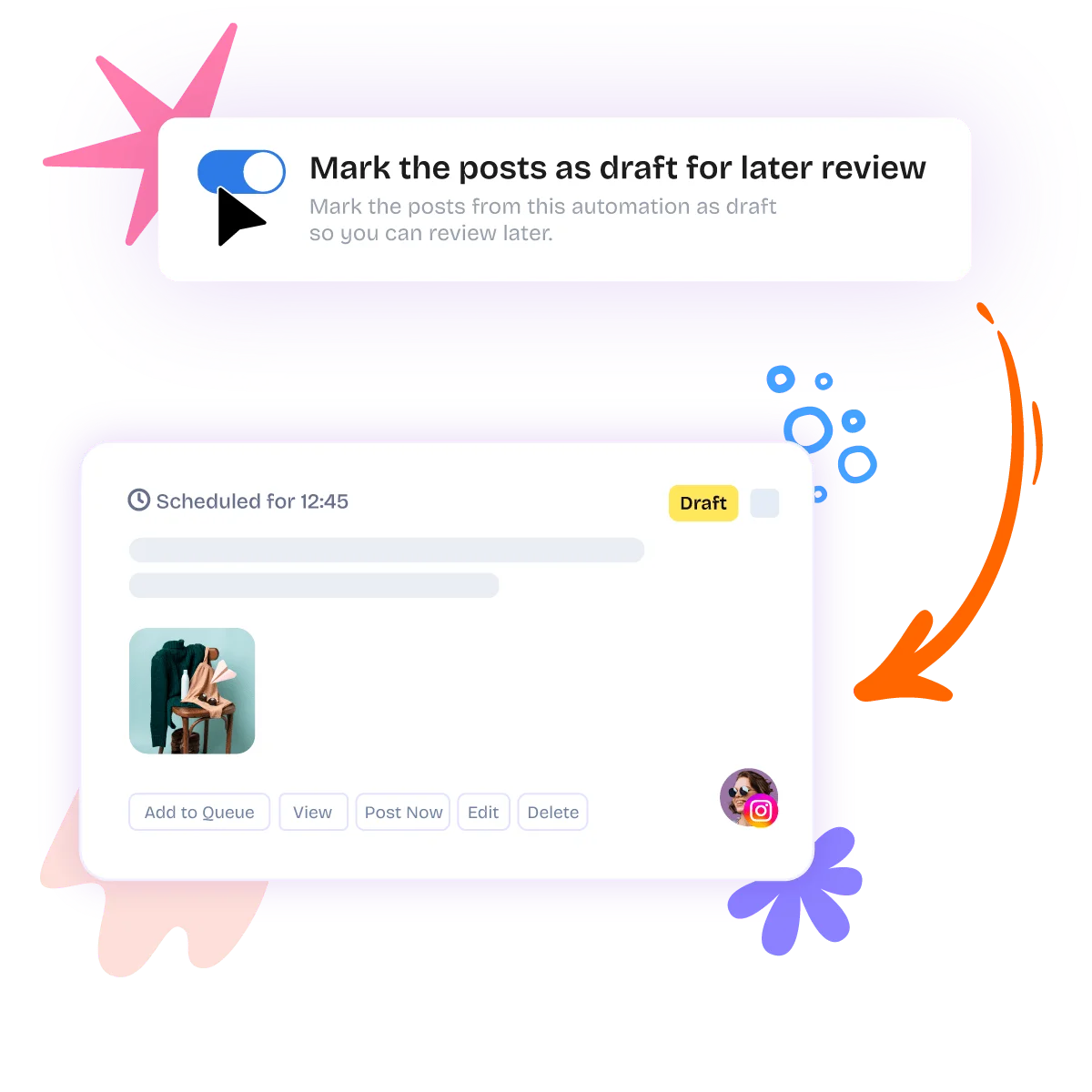
Review Instagram Posts Before Publishing
Not ready to publish automatically?
Mark imported products as drafts so you can review the image or video, carousel order, caption, hashtags, and other details before adding them to your Instagram queue.
Keep Your Etsy Products Active on Instagram
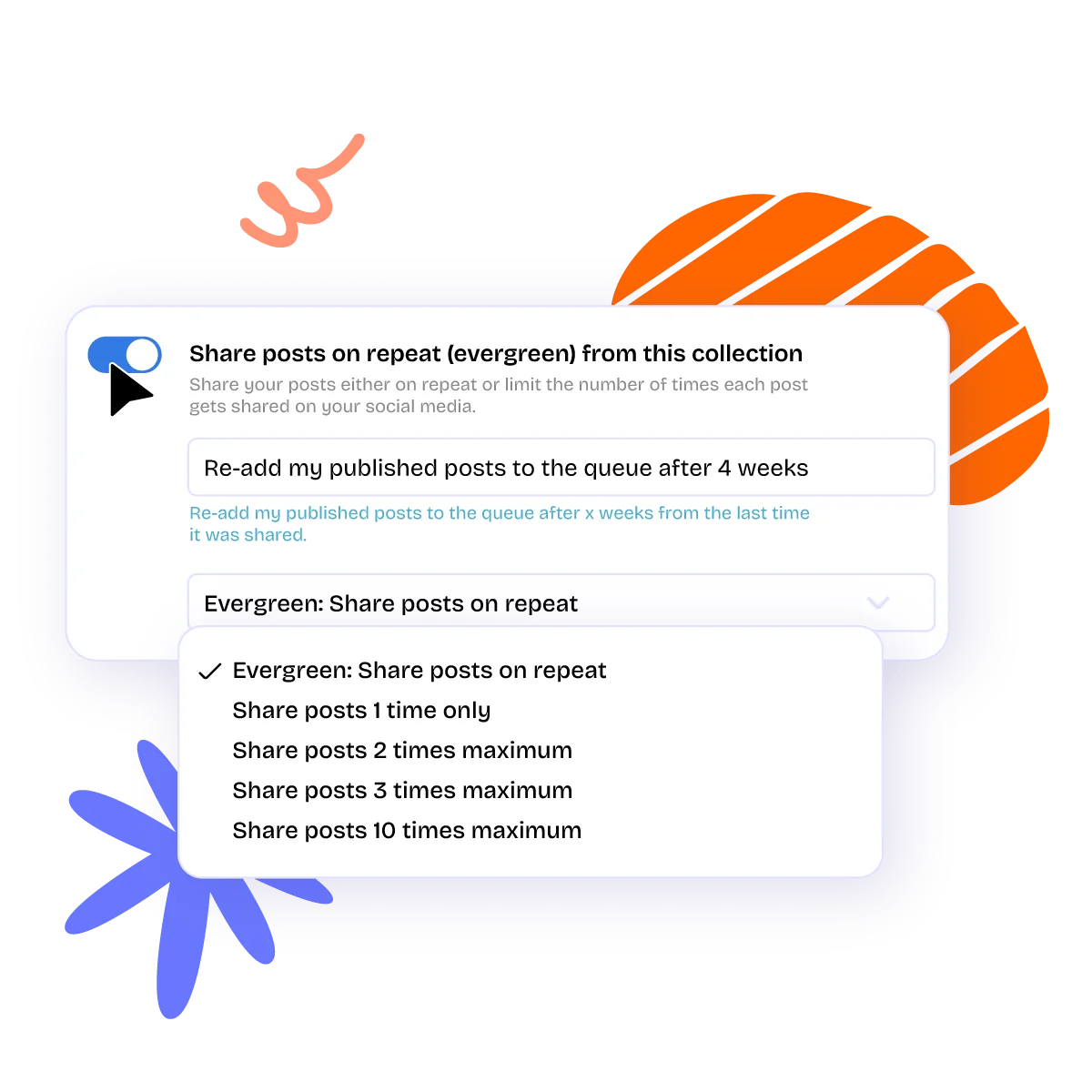
Your best products do not need to disappear after being shared once. With Evergreen Posting, Nuelink can automatically add previously published Instagram product posts back to your queue after a selected period.
You can control:
- How long Nuelink waits before re-queuing a post
- How many times each product is republished
- Whether products should continue circulating indefinitely
Track Your Instagram Performance
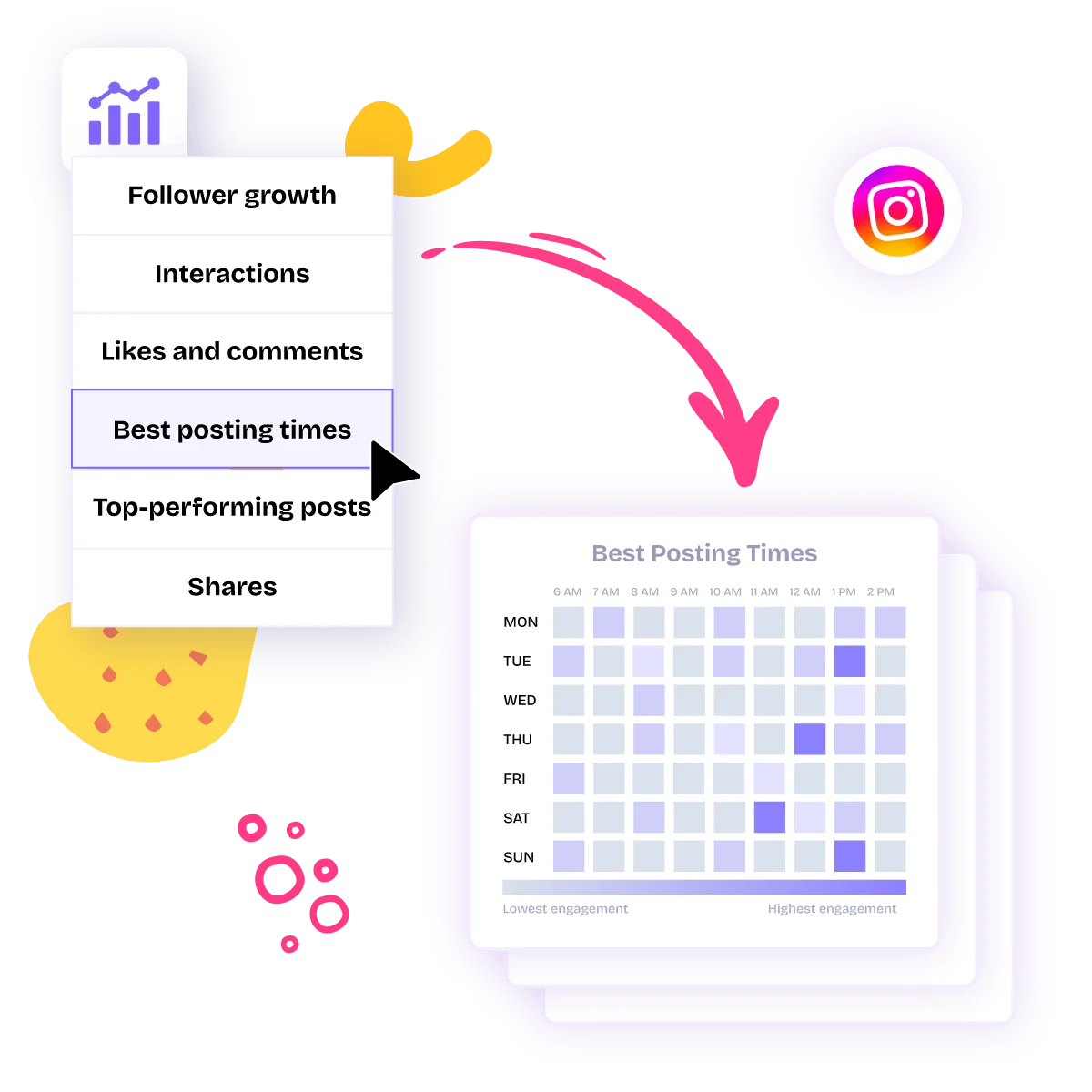
Use Nuelink’s Instagram analytics to understand how your product content is performing. Monitor metrics such as:
- Follower growth
- Interactions
- Likes and comments
- Shares
- Top-performing posts
- Best posting times
Use these insights to identify which Etsy products, captions, and Instagram formats perform best.
New · Works with ChatGPT & Claude
Tell your AI what to post. Nuelink publishes it.
Already use ChatGPT or Claude? Connect it to Nuelink in a couple of minutes via MCP, then just type what you want: “write three posts about our summer sale and schedule them for next week.” It drafts them and adds them to your schedule, across the accounts you've connected.
Just type what you want
Ask in plain English: “turn this blog into 5 posts,” “schedule this for Friday.” Your assistant does the steps; you just talk.
It can't go rogue
Your AI only posts to the accounts and time slots you've already set in Nuelink. Want a checkpoint? Tell it to save drafts for your approval.
Free on every plan
API & MCP access from day one, even on the free trial. No developer tier, no extra fee.
Generate your key
Settings → API → Create token.
Connect your tool
Add mcp.nuelink.com/mcp to Claude or ChatGPT.
Just ask
"Show my collections, then queue a post about X."
6 months free on yearly plans.
Get 6 months free in your first year, or save 25% on monthly for your first 3 paid months. Use BFCM26 by November 30.
Start my free trial →7-day free trial · $0 today
EXCLUSIVE OFFER 🚀
Get the social presence you deserve.
STANDARD
$12/monthUSD
$144 first year, then $192/year
or $24 billed monthly
6 months free in year one
Includes free account setup- 10 Social Channels
- 1 Brand
- 1 Member
- 10 Automations
- 10 Collections
- 500 Nue AI Credits
- 365 Posts in Queue
- 1 Link in bio
- API & MCP Access
PREMIUM
$27/monthUSD
$324 first year, then $432/year
or $54 billed monthly
6 months free in year one
Includes free account setup- 30 Social Channels
- 3 Brands
- 3 Members
- 30 Automations
- 30 Collections
- 3,000 Nue AI Credits
- Unlimited Posts
- 3 Link in bio
- API & MCP Access
BUSINESS
$42/monthUSD
$504 first year, then $672/year
or $84 billed monthly
6 months free in year one
Includes free account setup- 60 Social Channels
- 6 Brands
- 6 Members
- 60 Automations
- 60 Collections
- 6,000 Nue AI Credits
- Unlimited Posts
- 6 Link in bio
- API & MCP Access
AGENCY
$60/monthUSD
$720 first year, then $960/year
or $120 billed monthly
6 months free in year one
Includes free account setup- 100 Social Channels
- 10 Brands
- 10 Members
- 100 Automations
- 100 Collections
- 10,000 Nue AI Credits
- Unlimited Posts
- 10 Link in bio
- API & MCP Access
AGENCY-PLUS
$150/monthUSD
$1,800 first year, then $2,400/year
or $300 billed monthly
6 months free in year one
Includes free account setup- 300 Social Channels
- 30 Brands
- 30 Members
- 300 Automations
- 300 Collections
- 30,000 Nue AI Credits
- Unlimited Posts
- 30 Link in bio
- API & MCP Access
4.9/5 from 600+ Reviews, check them out!
Recognized by industry leaders


Support
Zero-AI Customer Service
Unlike other tools, we offer human customer service that starts from day one, regardless of your plan. For agencies, we include Priority Support to ensure your questions are answered, issues are addressed, and suggestions are heard promptly. We're here for you!

Sanae

Bilal

Bouchra
The Nuelink Support Team has been awesome to work with!! Special thanks to Sanae for making sure I got what I needed in record time! We're new to the platform, but so far loving their analytics and all the functionalities within!
Mary Norwood
Brand Manager | WSS Solutions
Ready to Automatically Promote Your Etsy Products on Instagram?
Connect your Instagram account, add your Etsy store, and let Nuelink turn your products into scheduled Instagram content.
Start Your 7-Day Free Trial