Automatically Post Your WooCommerce Products to Facebook
Keep your Facebook Page updated with products from your WooCommerce store,
without creating every post by hand.
Connect your Facebook Page, add your WooCommerce store to Nuelink, and choose
the products you want to promote. Nuelink turns them into scheduled Facebook posts
using your product details and media.



Automate WooCommerce to Facebook in a Few Minutes
Features
Turn WooCommerce Products into Facebook Posts Automatically
When eligible products are added to your WooCommerce store, Nuelink imports their details and creates posts for your connected Facebook Page. Your collection controls when those posts appear.
Example: A home goods store adds a new lamp to its WooCommerce lighting category. Nuelink imports the product, prepares a Facebook Page post with the image and shop link, and schedules it with the rest of the category's posts.
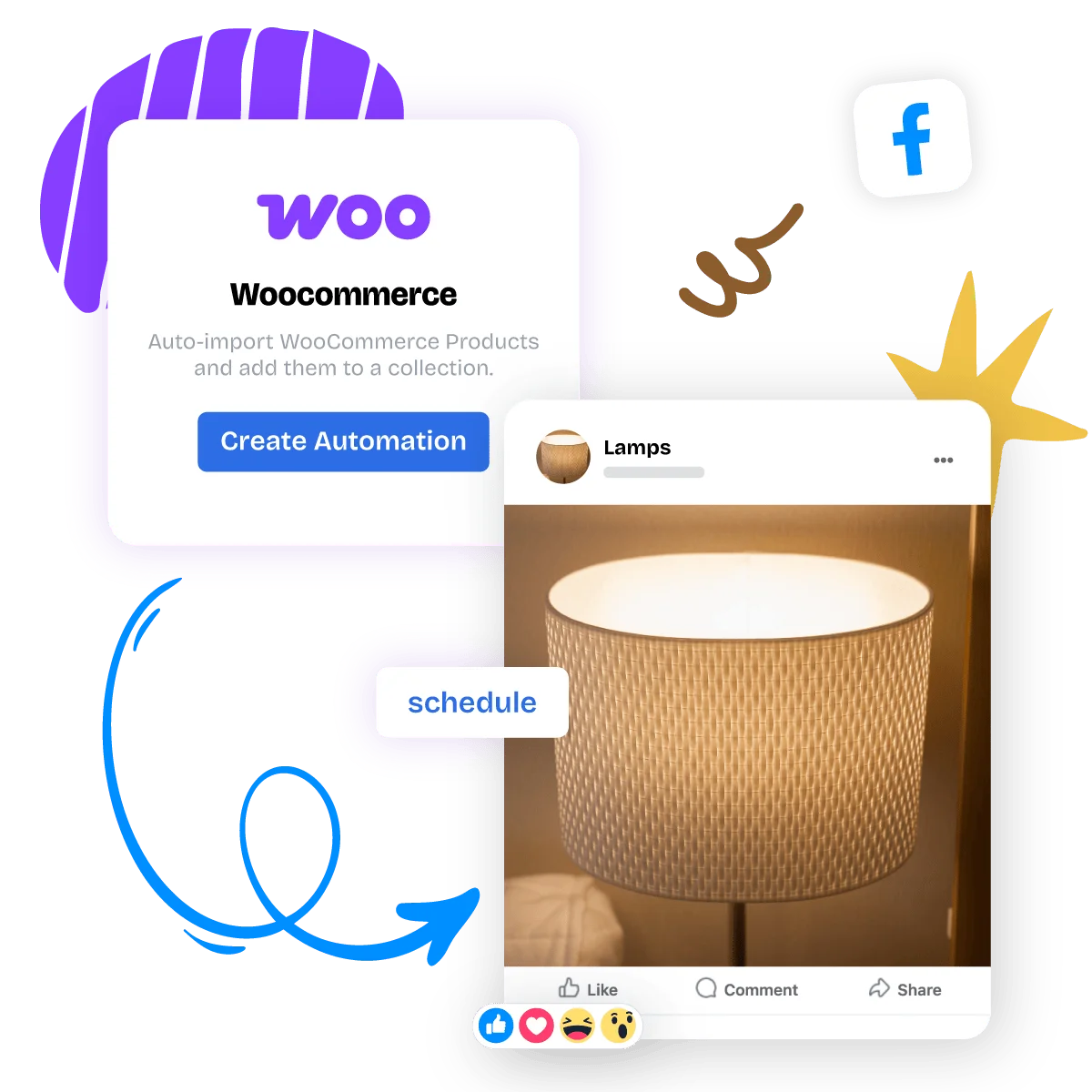
Share Existing and Future WooCommerce Products
Import products already in your WooCommerce store, focus on new additions, or do both. Choose how many existing products to bring in during setup.
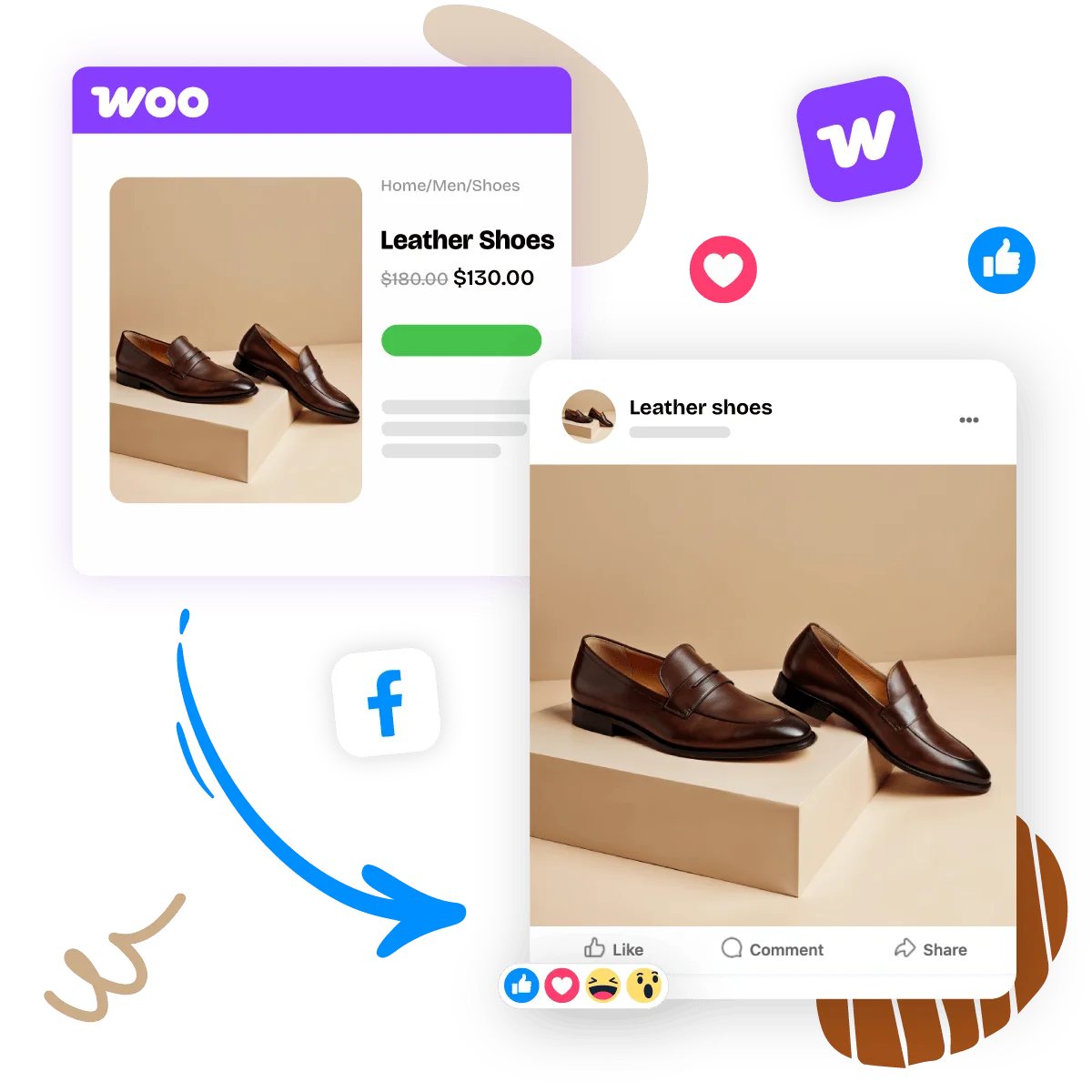
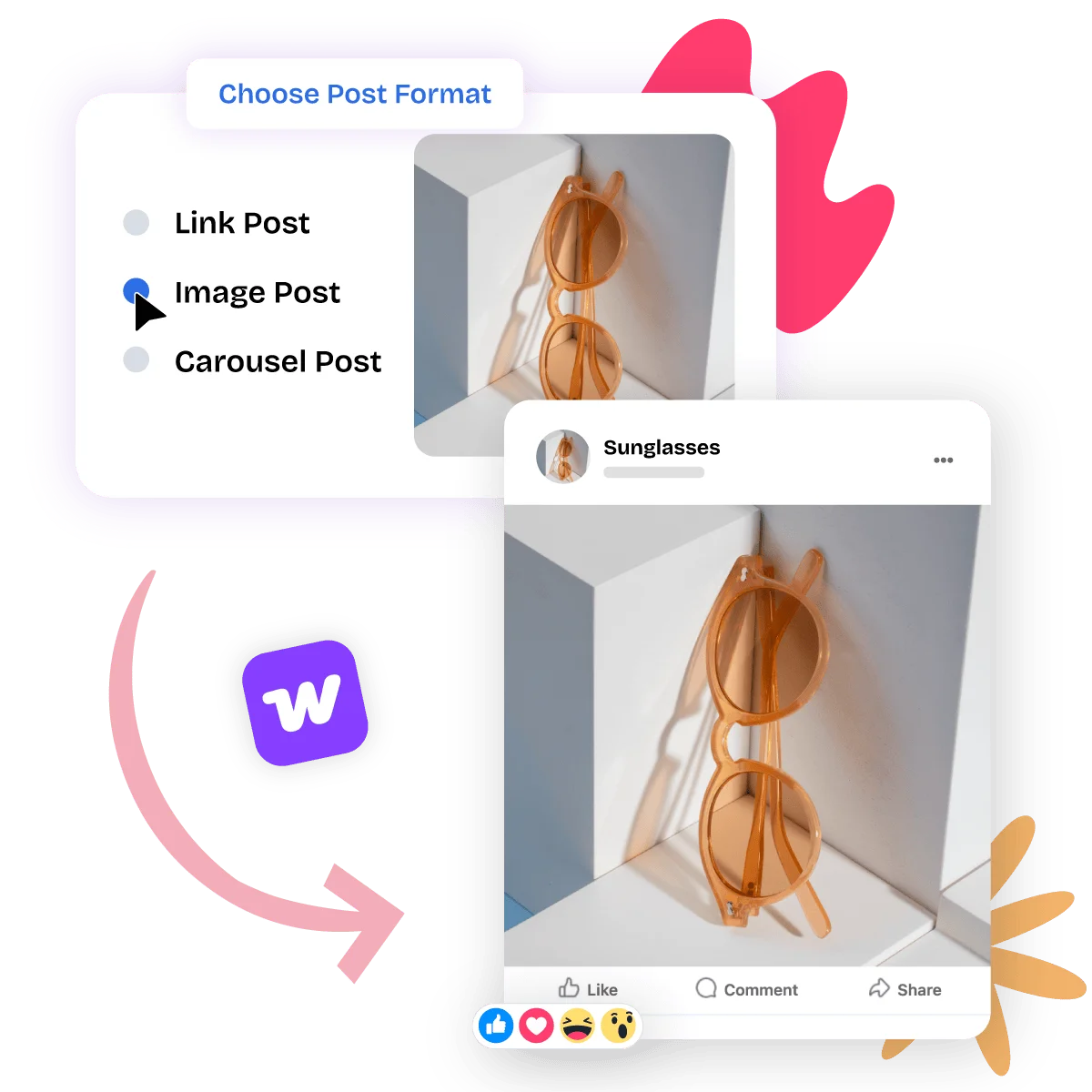
Choose a Facebook-Friendly Product Format
Link posts with a clickable product destination, image posts using the featured product photo, and multi-image posts when a product has several photos.
A link post gives people a direct path to the product. A photo-led post helps your product stand out in the Facebook feed.
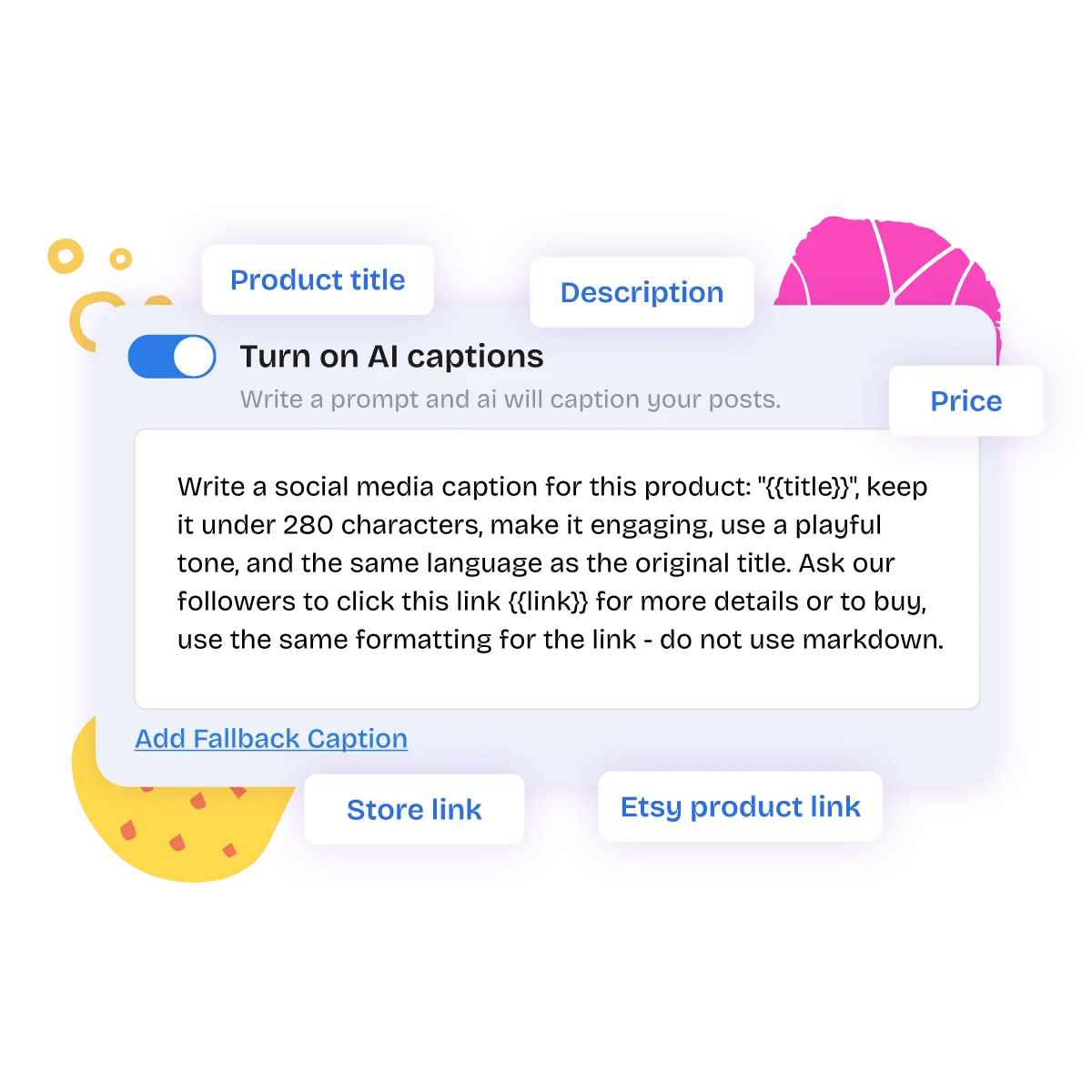
Write Captions from WooCommerce Product Details
Build captions from WooCommerce details such as the product name, price, sale price, and product link. Use a template with variations or ask NueAI to write individual captions.
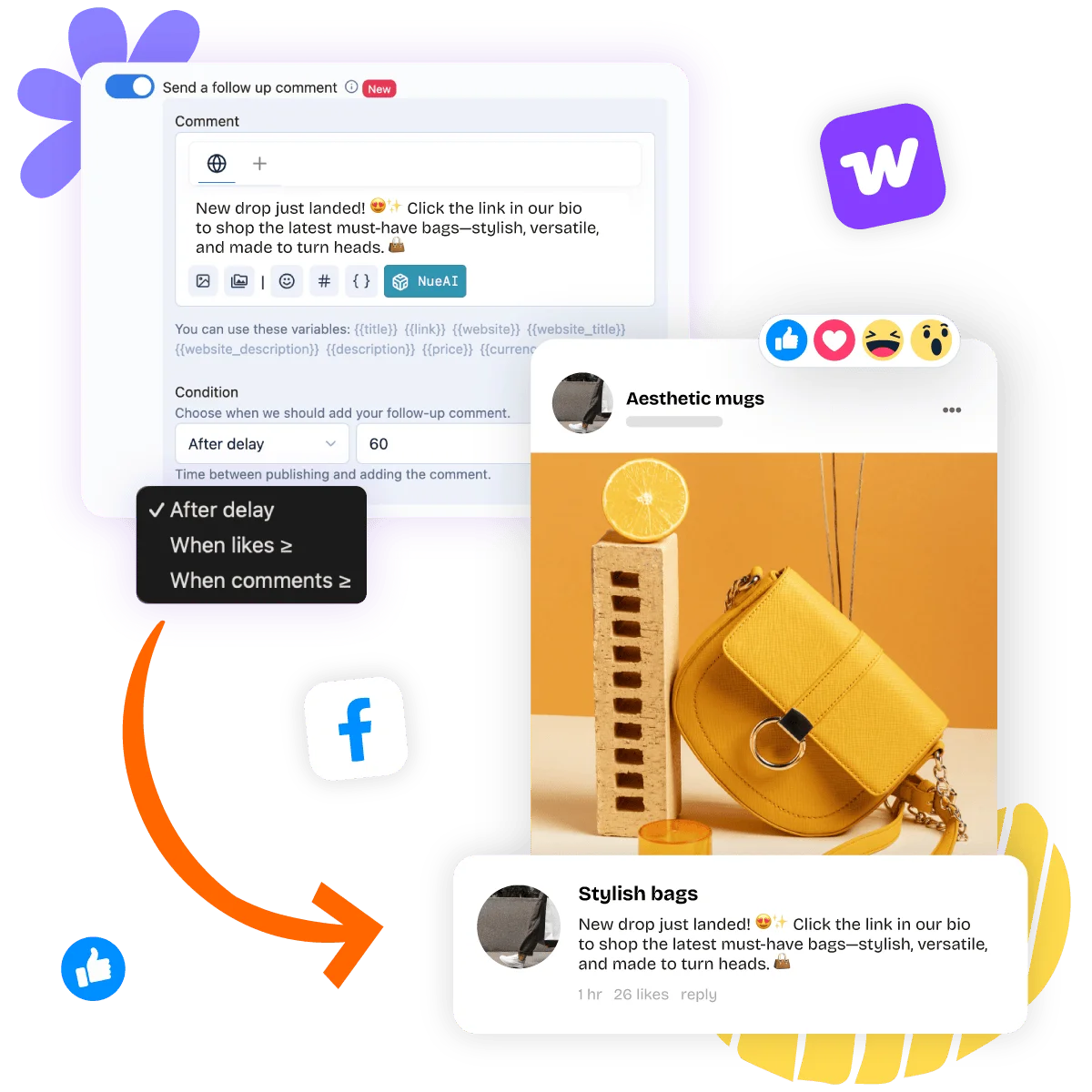
Add a Follow-Up Comment with the Product Link
Add a comment beneath the Facebook post after a chosen delay. Use it for the product link, an offer, or a short extra detail without crowding the main caption.
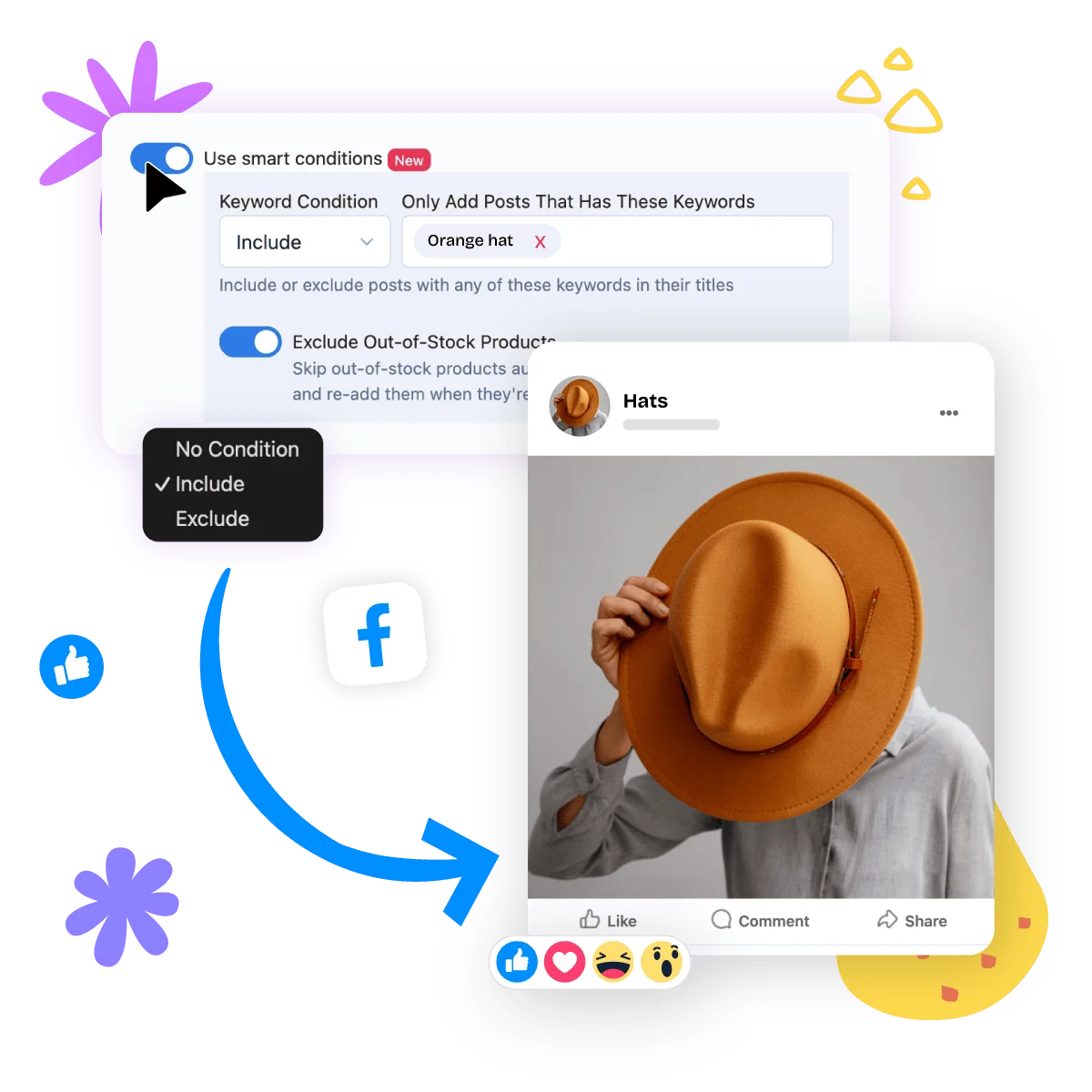
Choose Which WooCommerce Products Get Shared
Use your store URL or a product category URL when you want to promote a particular part of your catalog. Use product categories and title keyword rules to choose what gets shared. Save imported posts as drafts when you want to check stock or messaging first.
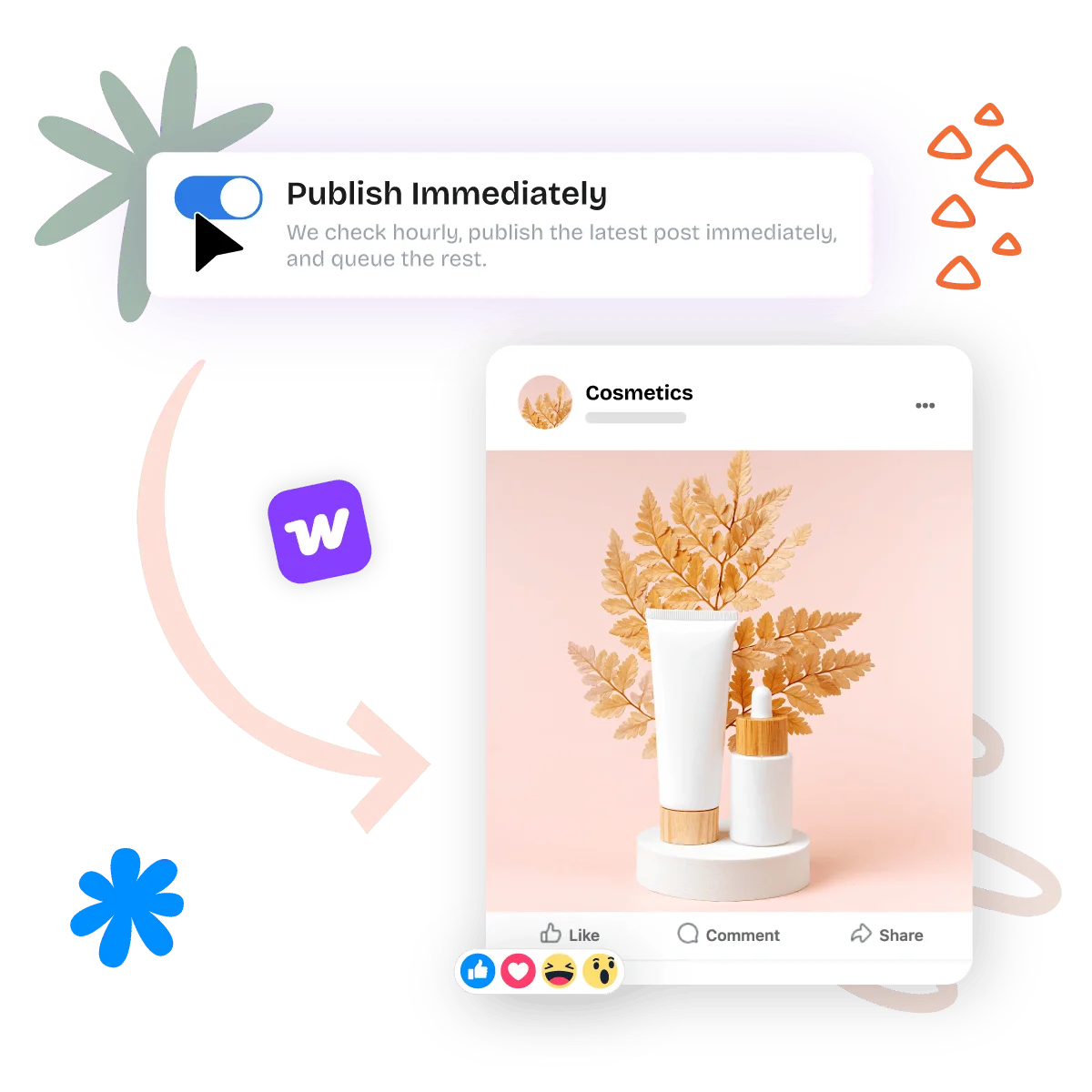
Keep New Arrivals Moving
Use Publish Immediately when a new arrival should go out quickly. Nuelink checks hourly with this setting, publishes the latest eligible item first, and queues the rest.
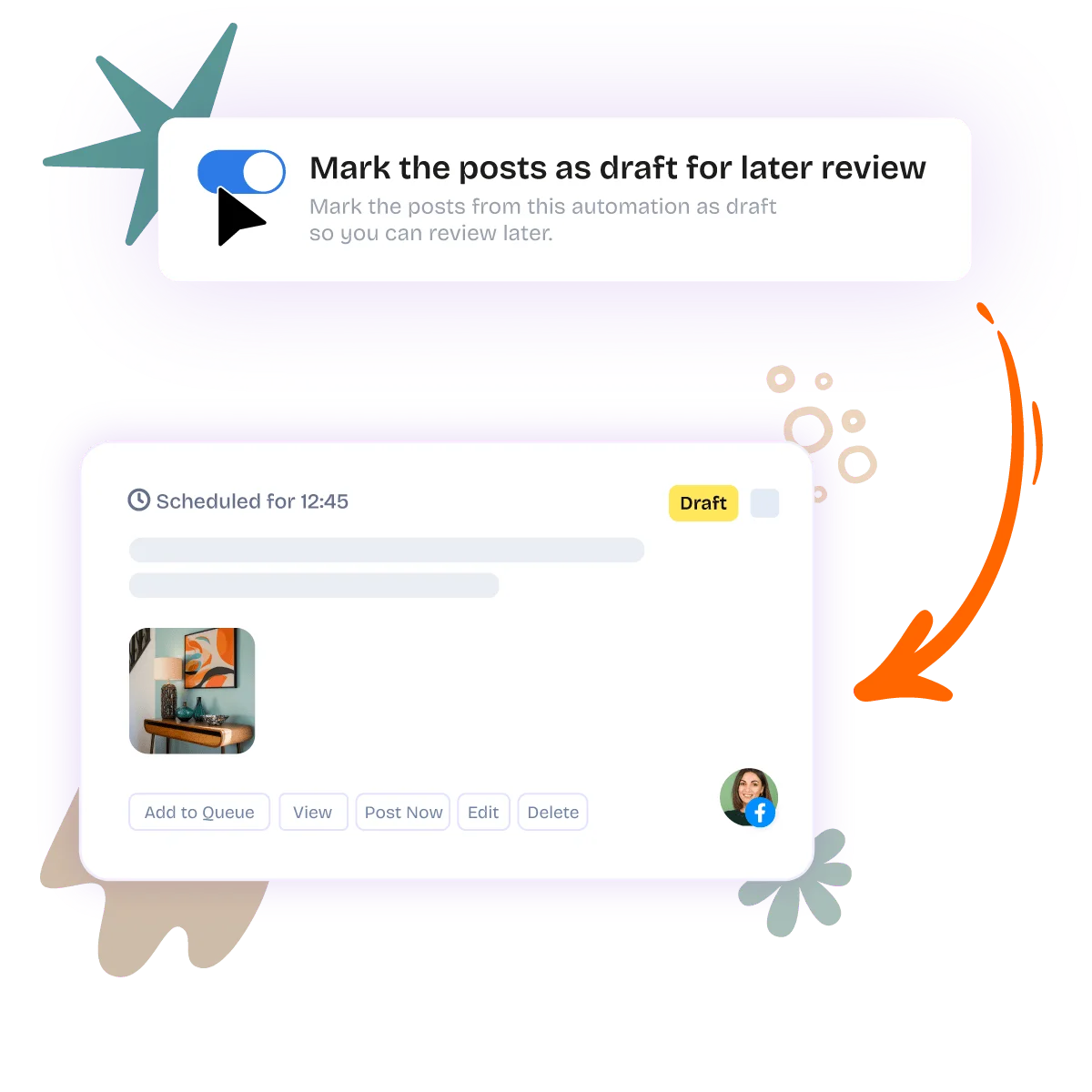
Review Before You Publish
Save imported posts as drafts to review the image, link, caption, and timing before they reach your Facebook Page.
Keep Your Catalog in Rotation
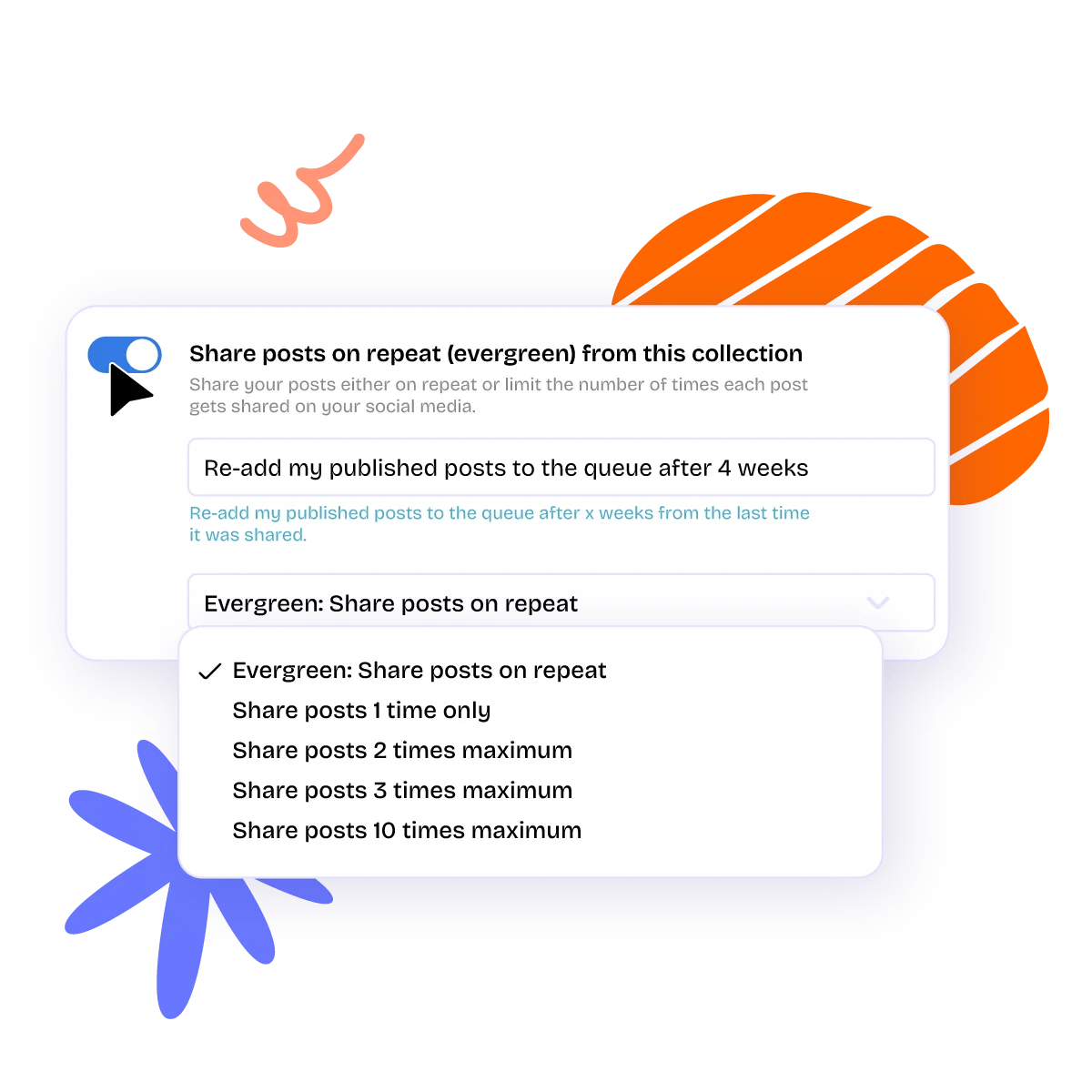
Use evergreen posting in your collection to bring selected product posts back to the queue after a cooldown. Set a repeat limit that fits your promotion plan.
See What Works on Facebook
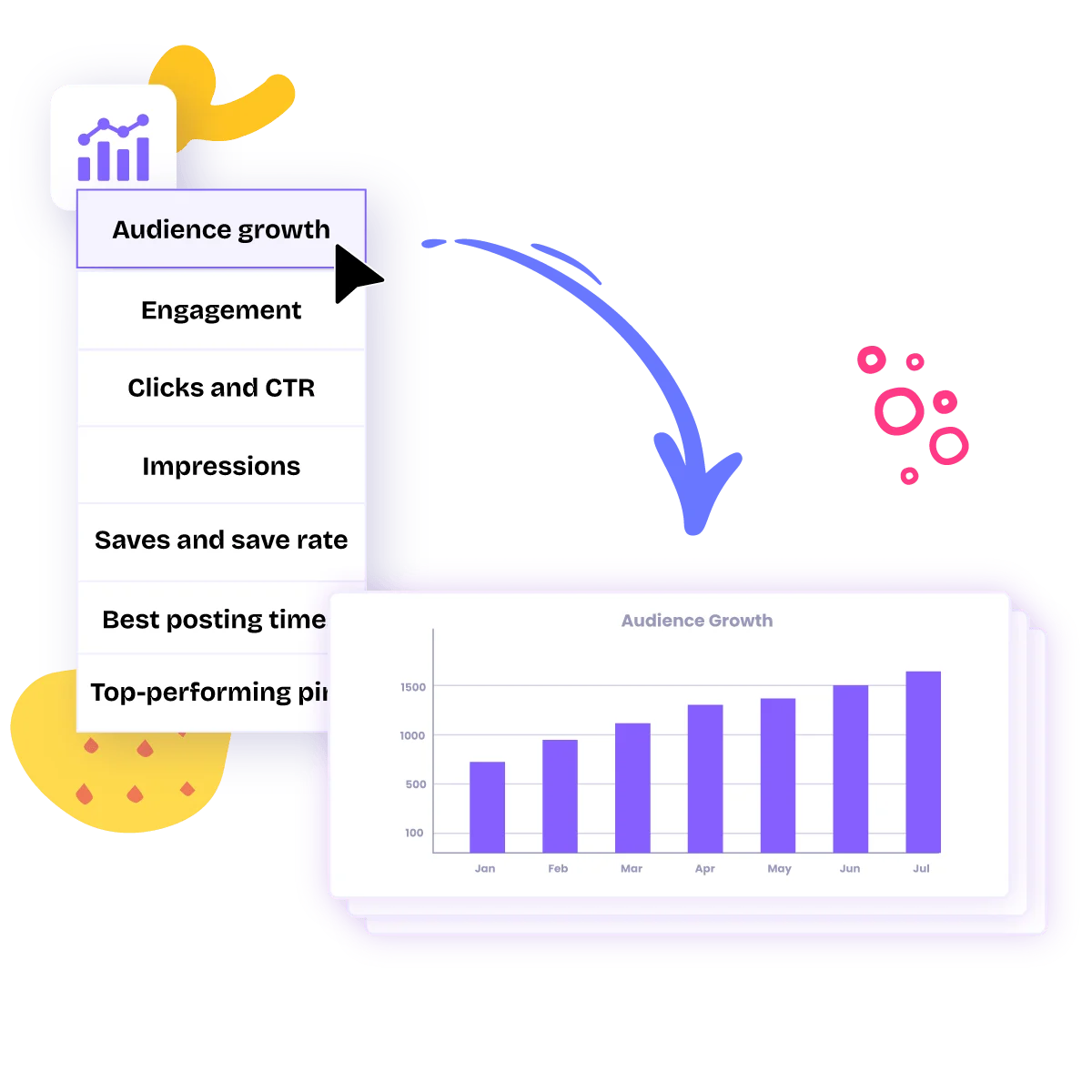
Use Nuelink's Facebook insights to monitor reach, engagement, clicks, and post performance. See which products and messages bring people back to your store.
New · Works with ChatGPT & Claude
Tell your AI what to post. Nuelink publishes it.
Already use ChatGPT or Claude? Connect it to Nuelink in a couple of minutes via MCP, then just type what you want: “write three posts about our summer sale and schedule them for next week.” It drafts them and adds them to your schedule, across the accounts you've connected.
Just type what you want
Ask in plain English: “turn this blog into 5 posts,” “schedule this for Friday.” Your assistant does the steps; you just talk.
It can't go rogue
Your AI only posts to the accounts and time slots you've already set in Nuelink. Want a checkpoint? Tell it to save drafts for your approval.
Free on every plan
API & MCP access from day one, even on the free trial. No developer tier, no extra fee.
Generate your key
Settings → API → Create token.
Connect your tool
Add mcp.nuelink.com/mcp to Claude or ChatGPT.
Just ask
"Show my collections, then queue a post about X."
6 months free on yearly plans.
Get 6 months free in your first year, or save 25% on monthly for your first 3 paid months. Offer ends November 30.
Start my free trial →7-day free trial · $0 today · BFCM26 applied automatically
EXCLUSIVE OFFER 🚀
Get the social presence you deserve.
STANDARD
$12/monthUSD
$144 first year, then $192/year
or $24 billed monthly
6 months free in year one
Includes free account setup- 10 Social Channels
- 1 Brand
- 1 Member
- 10 Automations
- 10 Collections
- 500 Nue AI Credits
- 365 Posts in Queue
- 1 Link in bio
- API & MCP Access
PREMIUM
$27/monthUSD
$324 first year, then $432/year
or $54 billed monthly
6 months free in year one
Includes free account setup- 30 Social Channels
- 3 Brands
- 3 Members
- 30 Automations
- 30 Collections
- 3,000 Nue AI Credits
- Unlimited Posts
- 3 Link in bio
- API & MCP Access
BUSINESS
$42/monthUSD
$504 first year, then $672/year
or $84 billed monthly
6 months free in year one
Includes free account setup- 60 Social Channels
- 6 Brands
- 6 Members
- 60 Automations
- 60 Collections
- 6,000 Nue AI Credits
- Unlimited Posts
- 6 Link in bio
- API & MCP Access
AGENCY
$60/monthUSD
$720 first year, then $960/year
or $120 billed monthly
6 months free in year one
Includes free account setup- 100 Social Channels
- 10 Brands
- 10 Members
- 100 Automations
- 100 Collections
- 10,000 Nue AI Credits
- Unlimited Posts
- 10 Link in bio
- API & MCP Access
AGENCY-PLUS
$150/monthUSD
$1,800 first year, then $2,400/year
or $300 billed monthly
6 months free in year one
Includes free account setup- 300 Social Channels
- 30 Brands
- 30 Members
- 300 Automations
- 300 Collections
- 30,000 Nue AI Credits
- Unlimited Posts
- 30 Link in bio
- API & MCP Access
4.9/5 from 600+ Reviews, check them out!
Recognized by industry leaders



Support
Zero-AI Customer Service
Unlike other tools, we offer human customer service that starts from day one, regardless of your plan. For agencies, we include Priority Support to ensure your questions are answered, issues are addressed, and suggestions are heard promptly. We're here for you!

Sanae

Bilal

Bouchra
The Nuelink Support Team has been awesome to work with!! Special thanks to Sanae for making sure I got what I needed in record time! We're new to the platform, but so far loving their analytics and all the functionalities within!
Mary Norwood
Brand Manager | WSS Solutions
Ready to Promote Your WooCommerce Products on Facebook?
Connect your Facebook Page and WooCommerce store, then let Nuelink keep your product posts on schedule.
Start Your 7-Day Free Trial