Bulk Upload Bluesky Posts
Bulk upload and schedule multiple Bluesky posts at once with just a single
click by uploading a simple spreadsheet (CSV file). Just fill in the
spreadsheet with your post text, media files, and posting times, upload it
to Nuelink, and let it handle the rest. You can schedule up to 100 Bluesky
posts at a time. It’s the fastest way to plan and publish large batches of
Bluesky content.
If you prefer something more visual, Nuelink also offers a drag-and-drop bulk
scheduling option, so you can easily organize and schedule your posts without
using a CSV file.
Features
Basic or Advanced Spreadsheets for Bulk Bluesky Scheduling
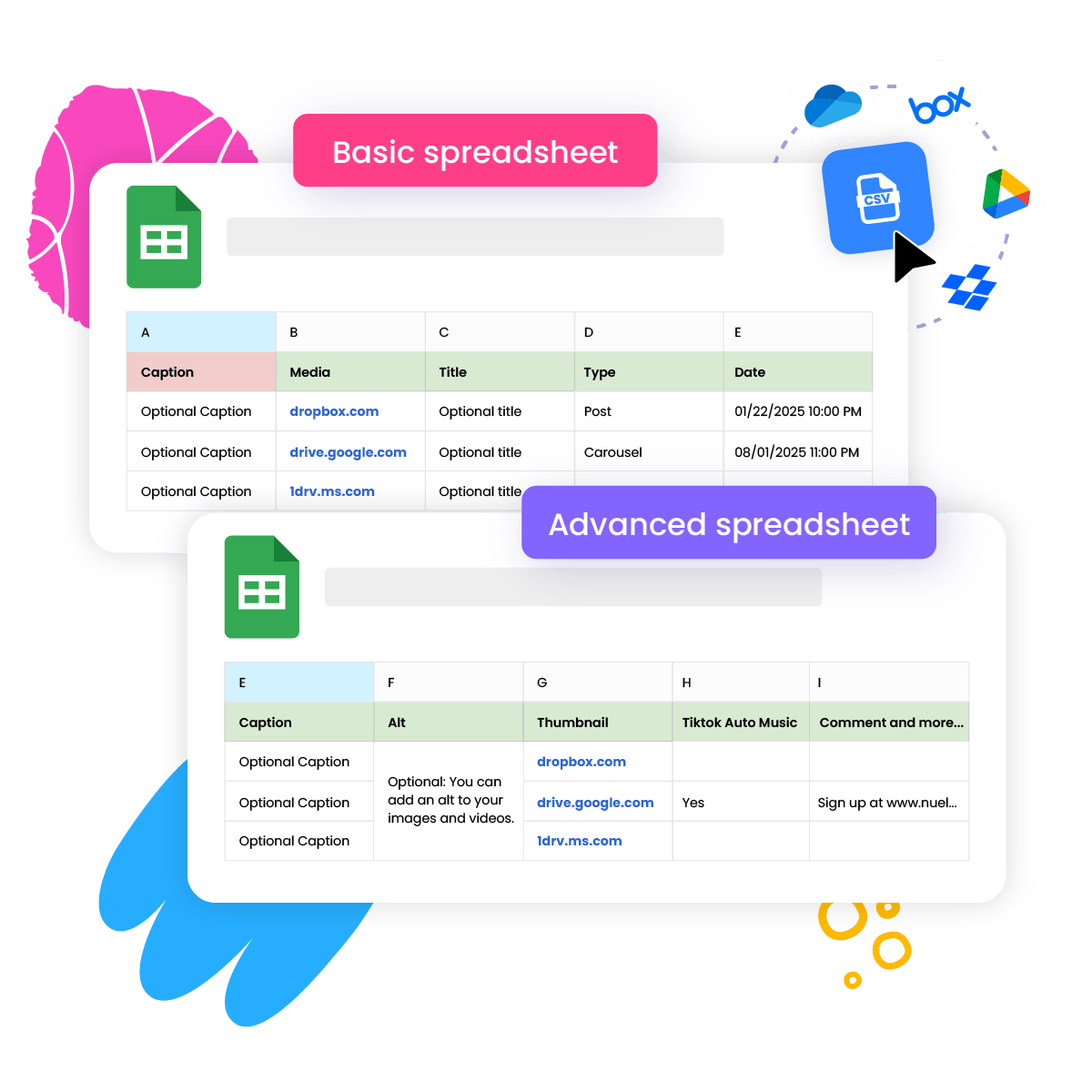
Choose between basic and advanced spreadsheet formats when you bulk upload Bluesky posts.
The basic option lets you quickly schedule posts with just the text and publish date.
The advanced option gives you more flexibility. You can include images, videos, and even schedule posts across multiple Bluesky accounts.
Check out the difference between a basic spreadsheet and an advanced one.
Multiple Upload Options
Simple media upload experience with multiple options to choose from. You can easily upload images, videos, or any other media directly from popular cloud storage platforms such as Dropbox, Google Drive, Box, and OneDrive. If you prefer, you can also upload your media via a direct link, giving you even more flexibility when preparing your content.

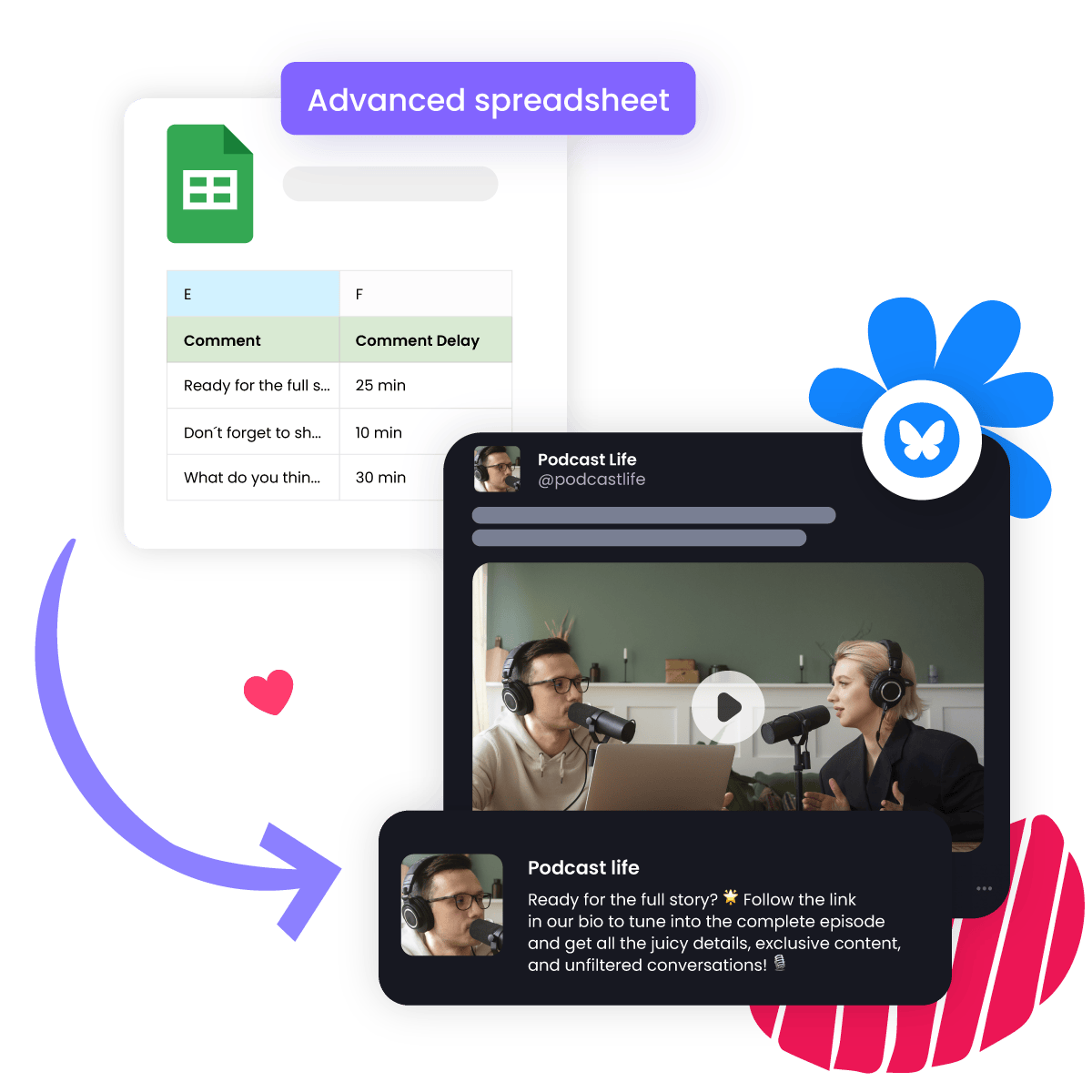
Custom Follow-Up Replies
Add custom follow-up replies to each Bluesky post in bulk! This feature lets you automatically schedule a reply to go live after your main post, helping boost engagement and start more conversations. You can even set a delay between the original post and the reply to make the interaction feel natural.
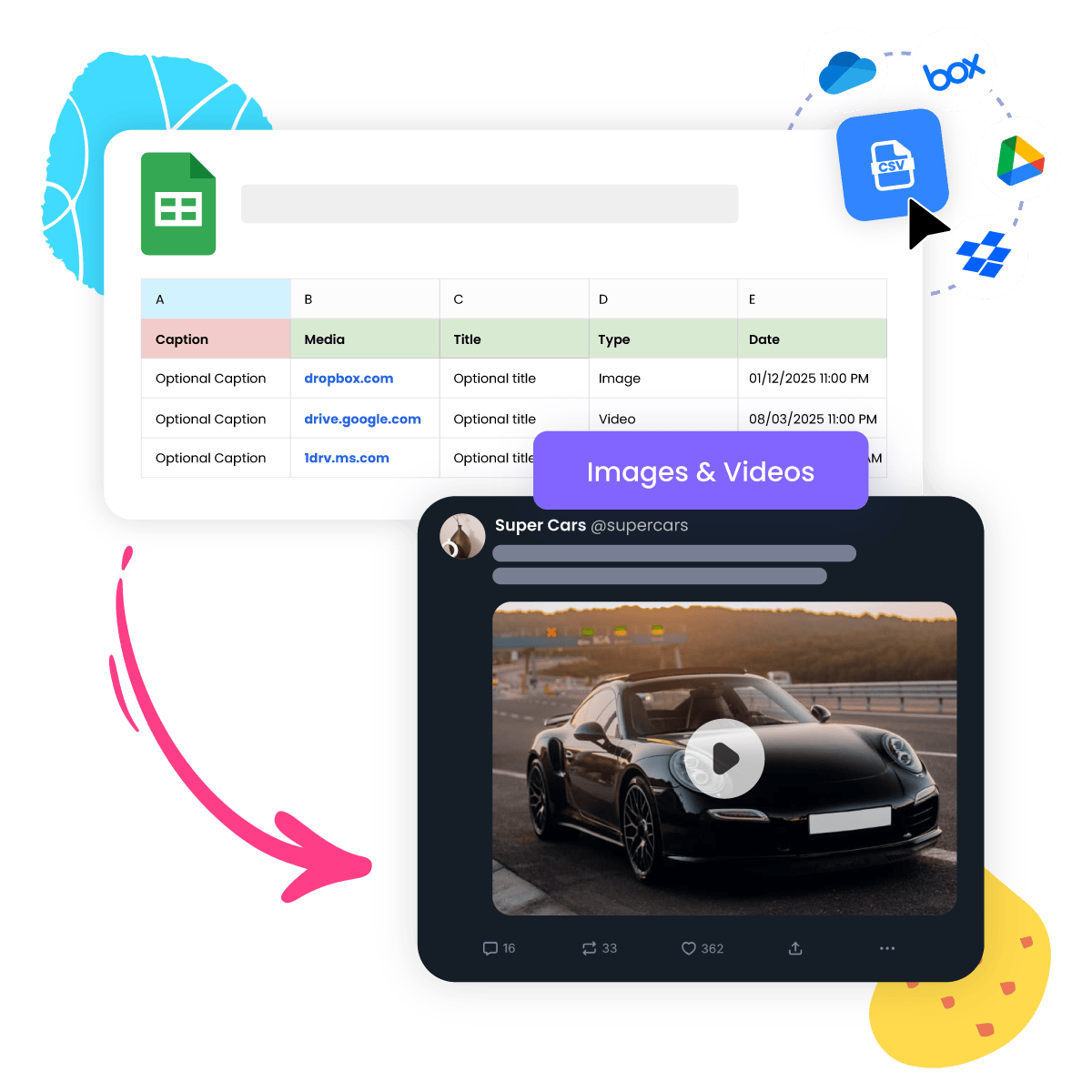
Bulk Schedule Bluesky Images and Videos
In addition to text posts, you can use Nuelink to bulk schedule Bluesky posts with images and videos using the same CSV upload method. This feature makes it easy to plan and publish all media-supported Bluesky formats.
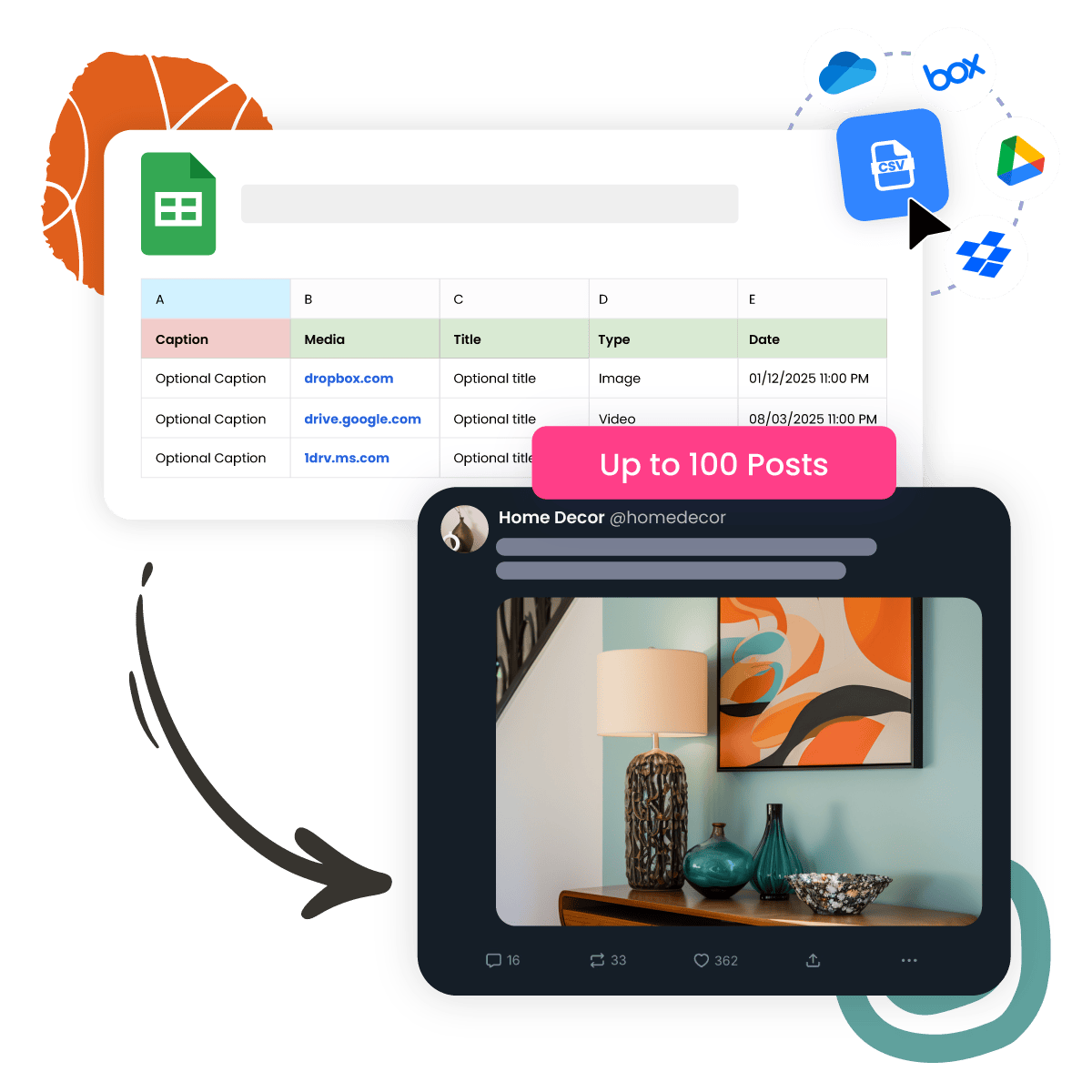
Unified Bulk Scheduling for All Post Formats
You can upload and schedule Bluesky text posts and image posts together using a single spreadsheet. There’s no need to create separate CSV files for different formats. Mix up to 100 Bluesky posts in the same CSV file. Nuelink takes care of organizing and scheduling them for you.
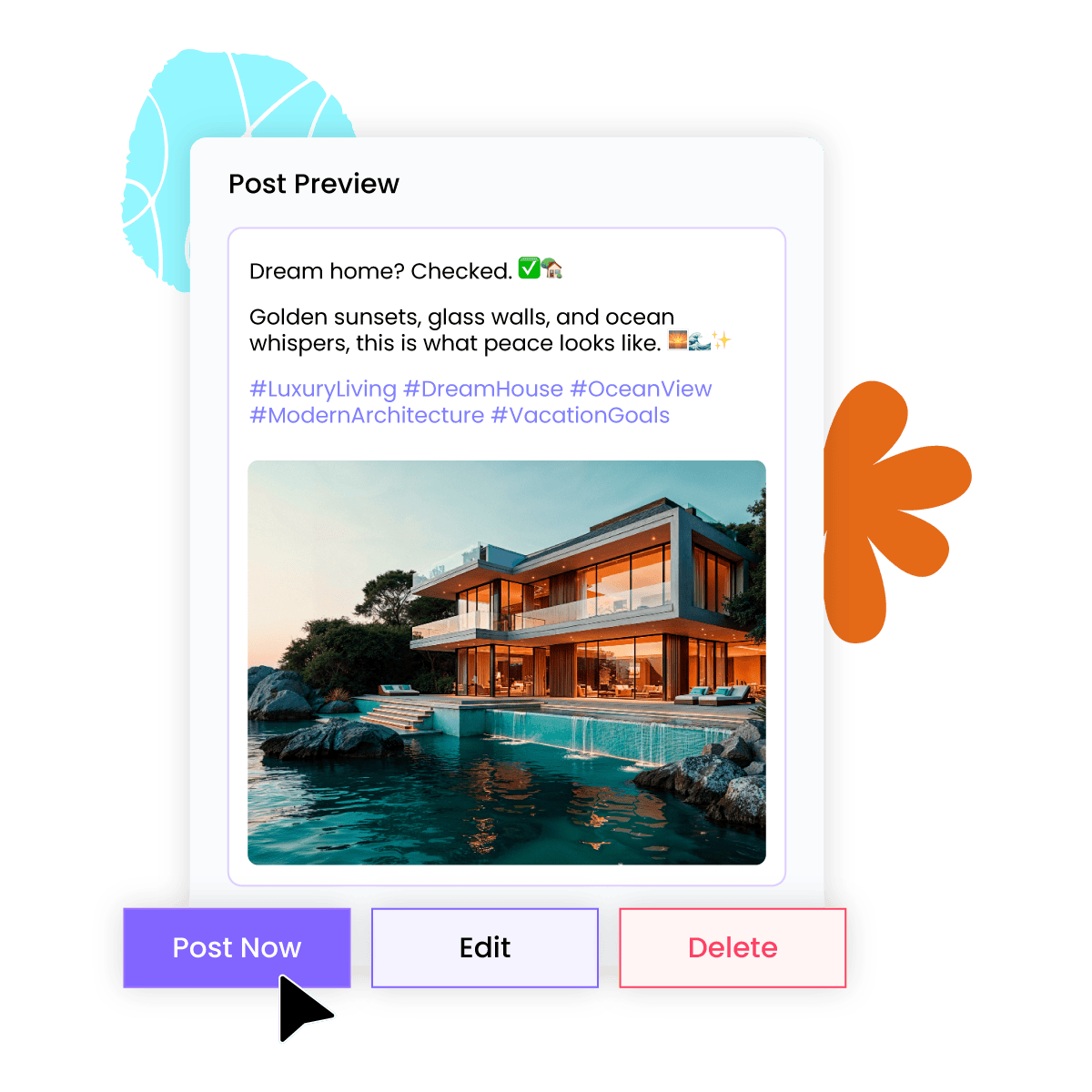
Post Preview Before Scheduling
After uploading your spreadsheet, you can preview each Bluesky post before finalizing the schedule. This allows you to double-check the text, media, and any follow-up replies to ensure everything looks exactly how you want it before it goes live.
Save as Draft
Not quite ready to publish your Bluesky posts yet? No problem. You can easily mark any posts as drafts, allowing you to come back for review and editing later. This feature provides flexibility and ensures that you can perfect your posts before they go live.

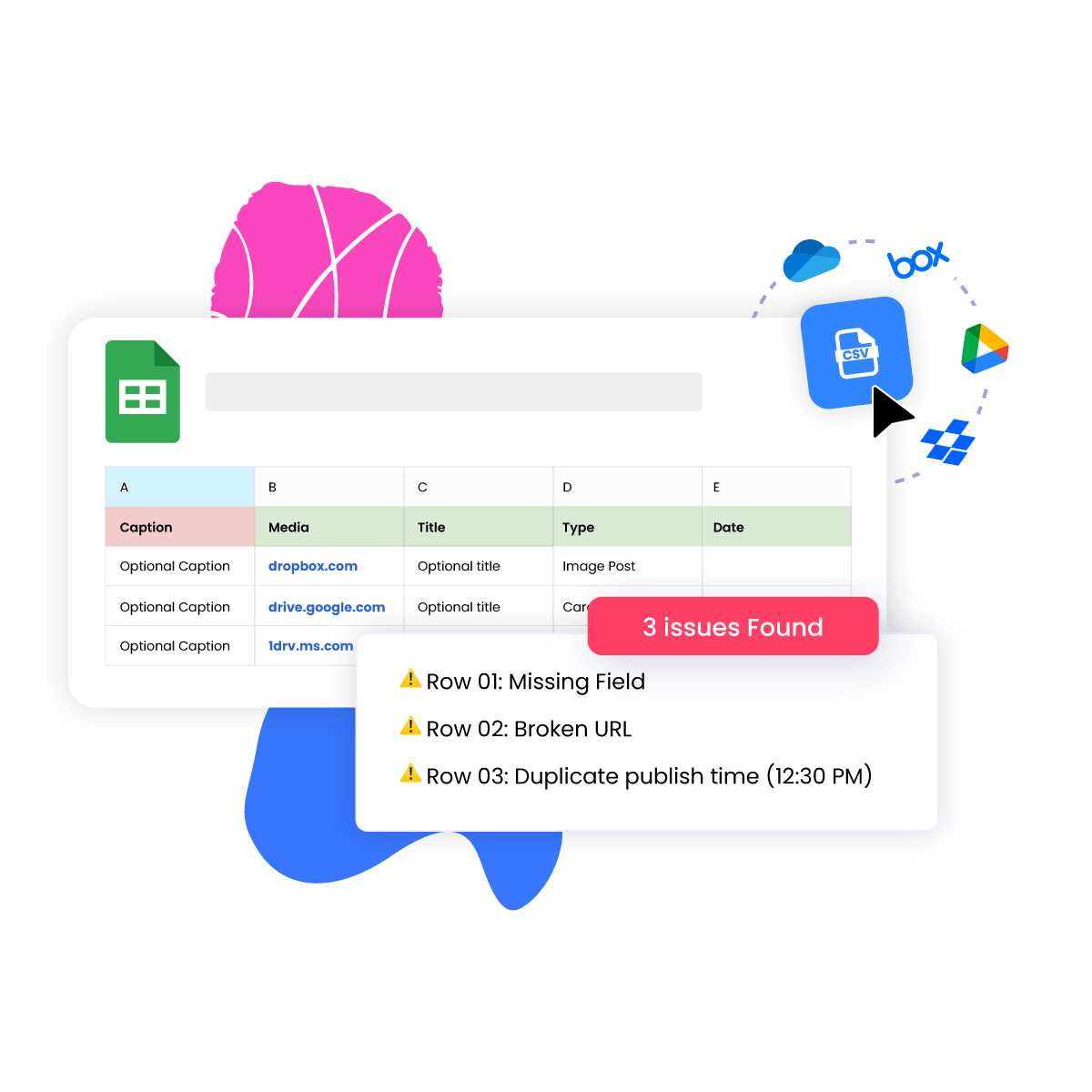
Smart Error Detection for CSV Uploads
Nuelink automatically checks your Bluesky scheduling spreadsheet for common issues before publishing begins. It detects missing fields, invalid media formats, broken URLs, duplicate publish times, and other potential errors. This helps reduce failed uploads and ensures a smooth, error-free scheduling experience from start to finish.
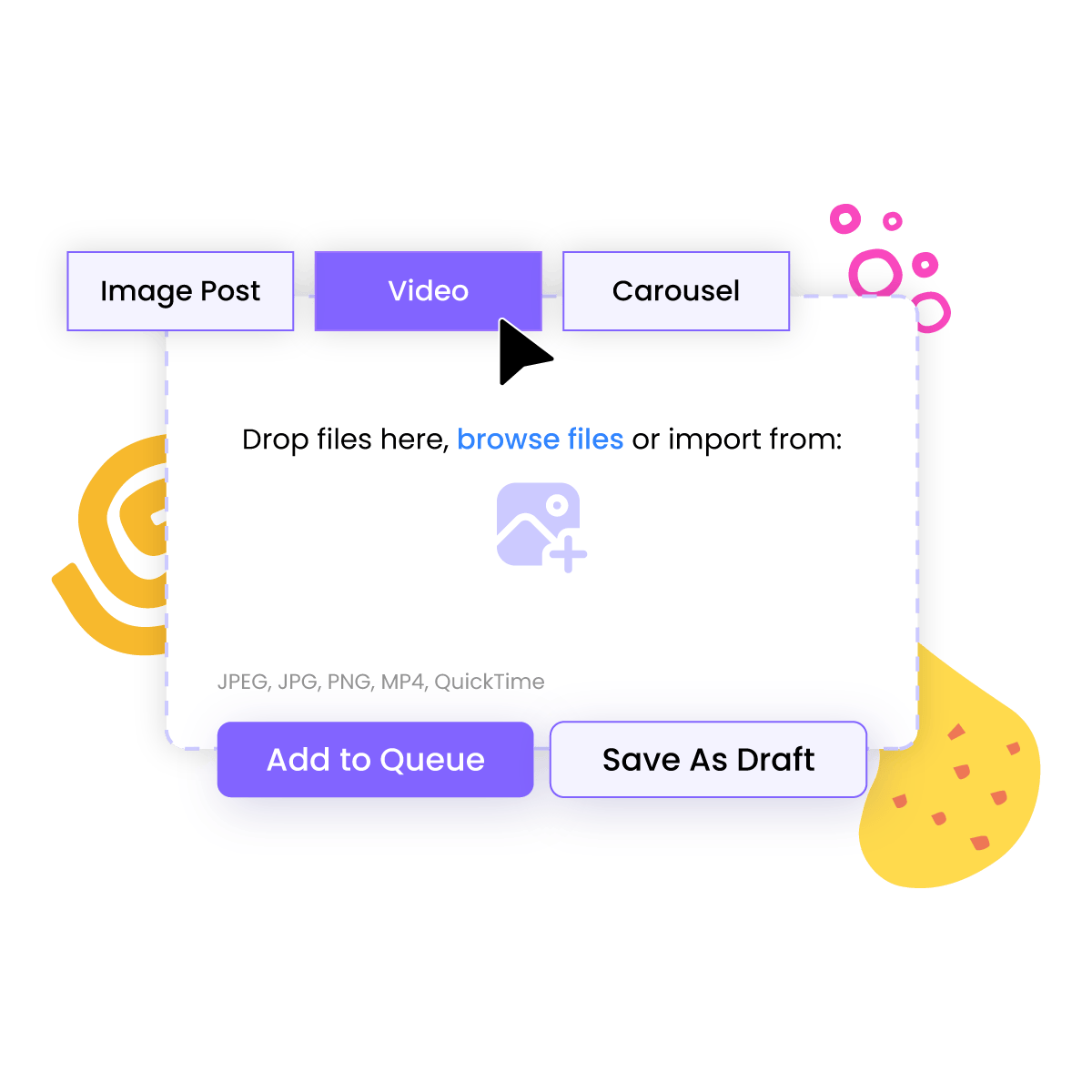
Drag & Drop Bulk Scheduling
No need to deal with spreadsheets if you do not want to. With Nuelink, you can bulk schedule multiple Bluesky posts by simply dragging and dropping your media files directly into the post editor. Just select your Bluesky account and upload your content. It is an easy and efficient way to prepare and schedule a full batch of posts at once.
New · Works with ChatGPT & Claude
Tell your AI what to post. Nuelink publishes it.
Already use ChatGPT or Claude? Connect it to Nuelink in a couple of minutes via MCP, then just type what you want: “write three posts about our summer sale and schedule them for next week.” It drafts them and adds them to your schedule, across the accounts you've connected.
Just type what you want
Ask in plain English: “turn this blog into 5 posts,” “schedule this for Friday.” Your assistant does the steps; you just talk.
It can't go rogue
Your AI only posts to the accounts and time slots you've already set in Nuelink. Want a checkpoint? Tell it to save drafts for your approval.
Free on every plan
API & MCP access from day one, even on the free trial. No developer tier, no extra fee.
Generate your key
Settings → API → Create token.
Connect your tool
Add mcp.nuelink.com/mcp to Claude or ChatGPT.
Just ask
"Show my collections, then queue a post about X."
Celebrate 4 years with 4 months free
For a limited time, choose any yearly Nuelink plan and get 4 months
free.
Plan your content, automate your posts, and keep your social media active
for the next year without paying for the full year.
Free trial included · Cancel anytime.

My NUE go-to for social media posting!
The software is easy to use, makes bulk posting a snap, and scheduling if as simple as clicking a few buttons. I love the ease of use AND the one-time pricing I was able to take advantage of. If you're looking for an alternative to SmarterQueue, this is your answer!Celia Kyle
NY Times & USA Today Bestselling Author
EXCLUSIVE OFFER 🚀
Get the social presence you deserve.
STANDARD
$16/monthUSD
$192 paid yearly 🎁 4 months free
$0.00 due today- 10 Social Channels
- 1 Brand
- 1 Member
- 10 Automations
- 10 Collections
- 500 Nue AI Credits
- 365 Posts in Queue
- 1 Link in bio
- API & MCP Access
PREMIUM
$32/monthUSD
$384 paid yearly 🎁 4 months free
$0.00 due today- 30 Social Channels
- 3 Brands
- 3 Members
- 30 Automations
- 30 Collections
- 3,000 Nue AI Credits
- Unlimited Posts
- 3 Link in bio
- API & MCP Access
BUSINESS
$52/monthUSD
$624 paid yearly 🎁 4 months free
$0.00 due today- 60 Social Channels
- 6 Brands
- 6 Members
- 60 Automations
- 60 Collections
- 6,000 Nue AI Credits
- Unlimited Posts
- 6 Link in bio
- API & MCP Access
AGENCY
$85.3/monthUSD
$1024 paid yearly 🎁 4 months free
$0.00 due today- 100 Social Channels
- 10 Brands
- 10 Members
- 100 Automations
- 100 Collections
- 10,000 Nue AI Credits
- Unlimited Posts
- 10 Link in bio
- API & MCP Access
AGENCY-PLUS
$152/monthUSD
$1824 paid yearly 🎁 4 months free
$0.00 due today- 300 Social Channels
- 30 Brands
- 30 Members
- 300 Automations
- 300 Collections
- 30,000 Nue AI Credits
- Unlimited Posts
- 30 Link in bio
- API & MCP Access
Recognized by industry leaders



Support
Zero-AI Customer Service
Unlike other tools, we offer human customer service that starts from day one, regardless of your plan. For agencies, we include Priority Support to ensure your questions are answered, issues are addressed, and suggestions are heard promptly. We're here for you!

Sanae

Bilal

Bouchra
The Nuelink Support Team has been awesome to work with!! Special thanks to Sanae for making sure I got what I needed in record time! We're new to the platform, but so far loving their analytics and all the functionalities within!
Mary Norwood
Brand Manager | WSS Solutions
Want to Bulk Schedule Your Bluesky Posts?
Start your 7-day free trial, connect your Bluesky account, and schedule up to 100 Bluesky posts at once with a single click!
Start your free trial now!