Crosspost Content from LinkedIn to Threads
Crosspost your LinkedIn content to Threads automatically.
When you publish a post on LinkedIn, Nuelink can share the same post on Threads
either immediately or after a specific delay you set in your collection.
This process removes the need for manual reposting between the two platforms.
Start your 7-day free trial
Features
Easy LinkedIn Crossposting Setup
Setting up LinkedIn crossposting automation with Nuelink takes less than 2 minutes. Just connect your accounts, go to Automations, click on Crossposting, select LinkedIn Crossposting, choose the accounts you want to crosspost to, adjust a few settings, and you're done. You only need to set it up once; after that, everything runs automatically in the background.
Learn more about how to set up LinkedIn crossposting automation on Nuelink
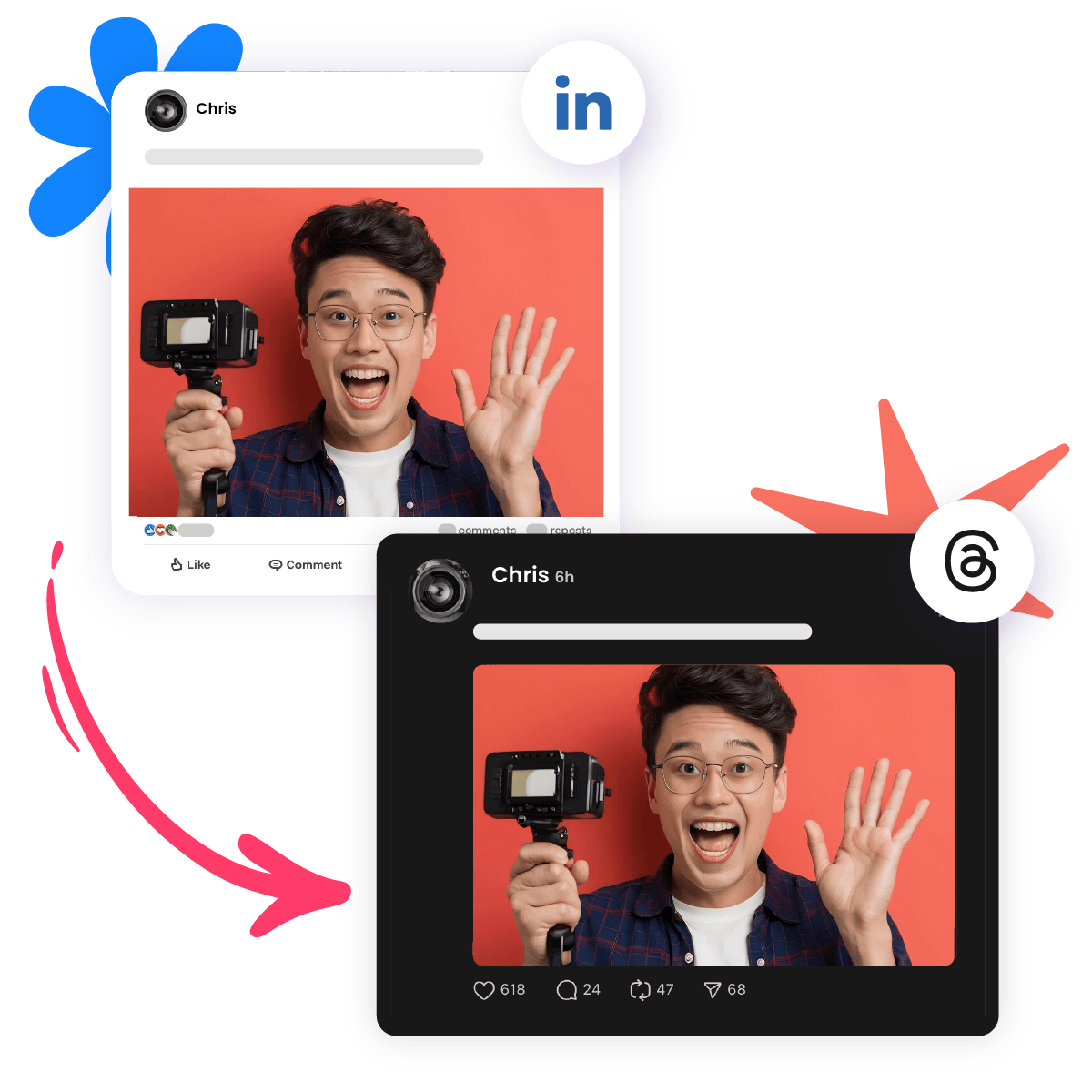
Post to Multiple Platforms
Share your LinkedIn posts not just on Threads, but also on Twitter, Facebook, Bluesky, Mastodon, and more, all at the same time. One post, everywhere.
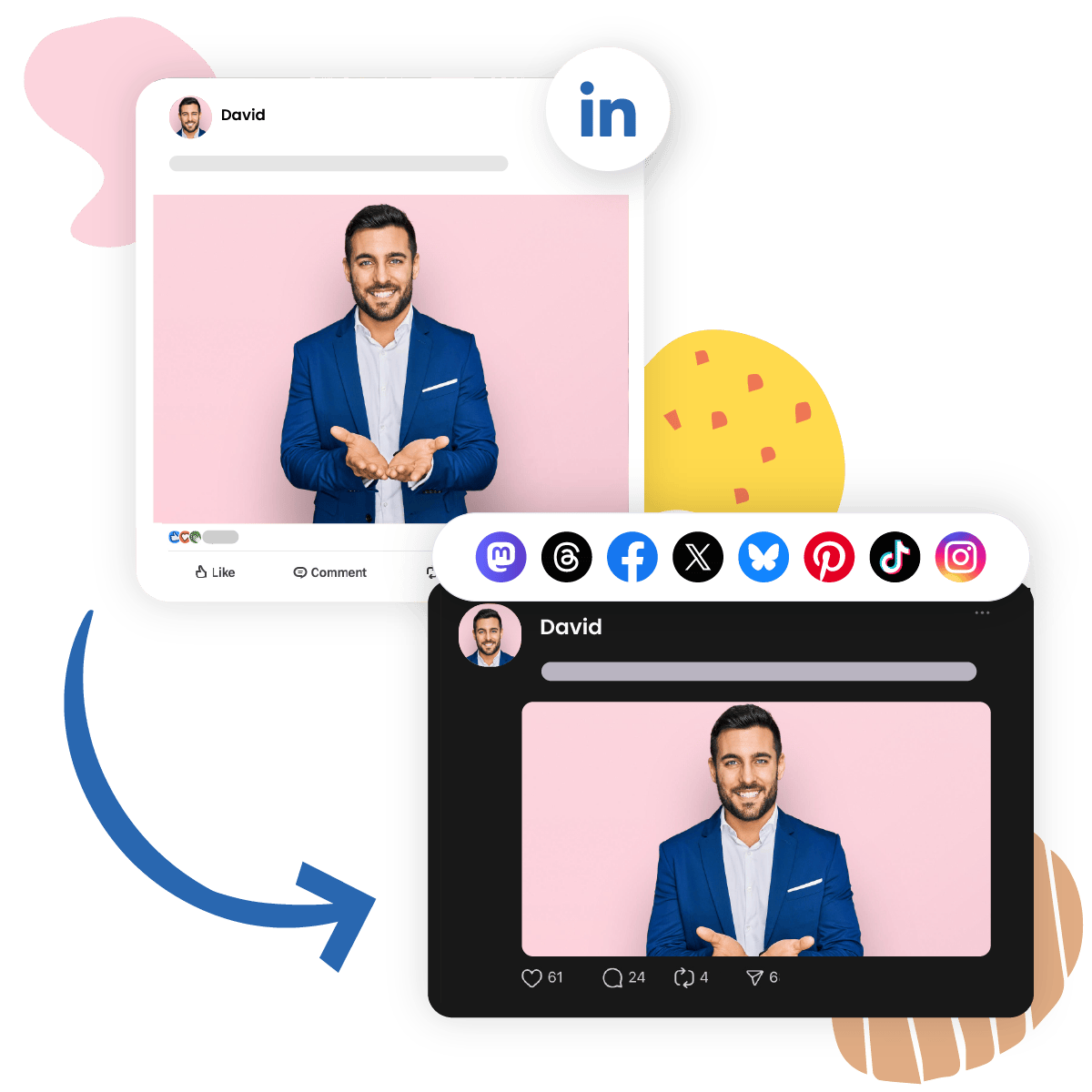
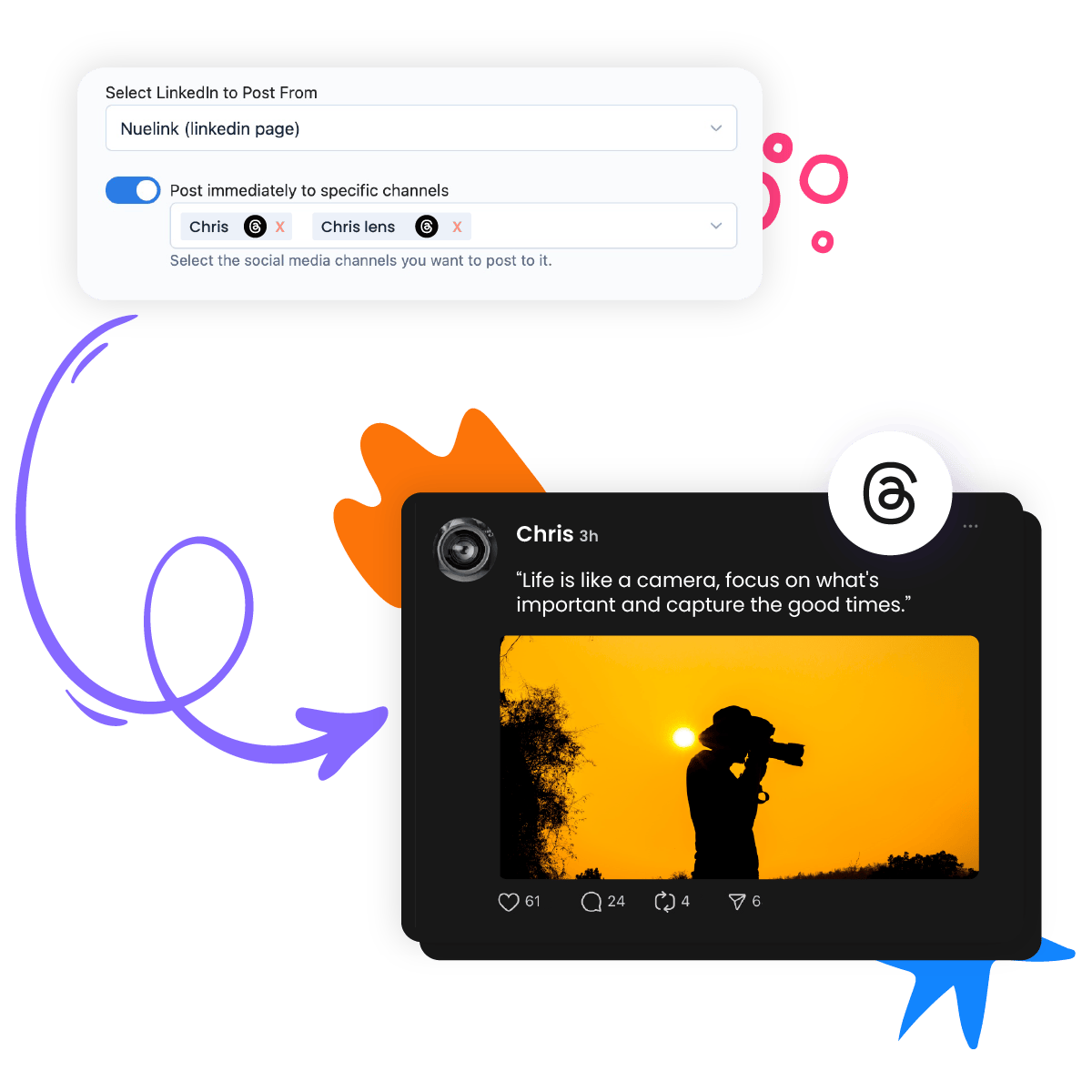
Post to Multiple Accounts
Got more than one Threads account? No problem. Crosspost your LinkedIn content to as many Threads accounts as you need (within your plan).
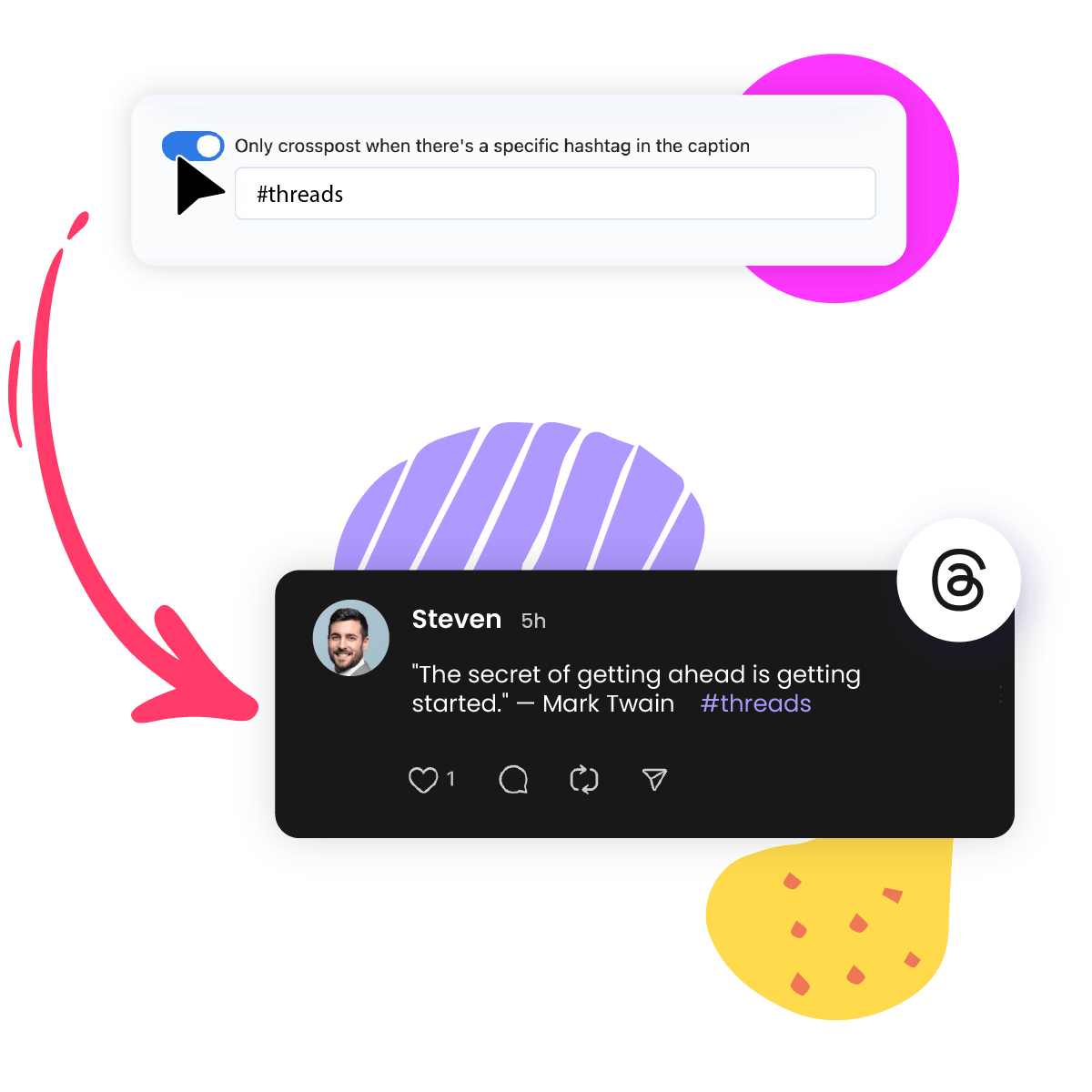
Hashtag Rules
You can set specific hashtag rules to control which posts get crossposted. By enabling this option, only LinkedIn posts that include a specific hashtag in the caption will be crossposted.
For example, if you set the option to #threads, only LinkedIn posts containing that hashtag will be shared on Threads.
Post Type Filters
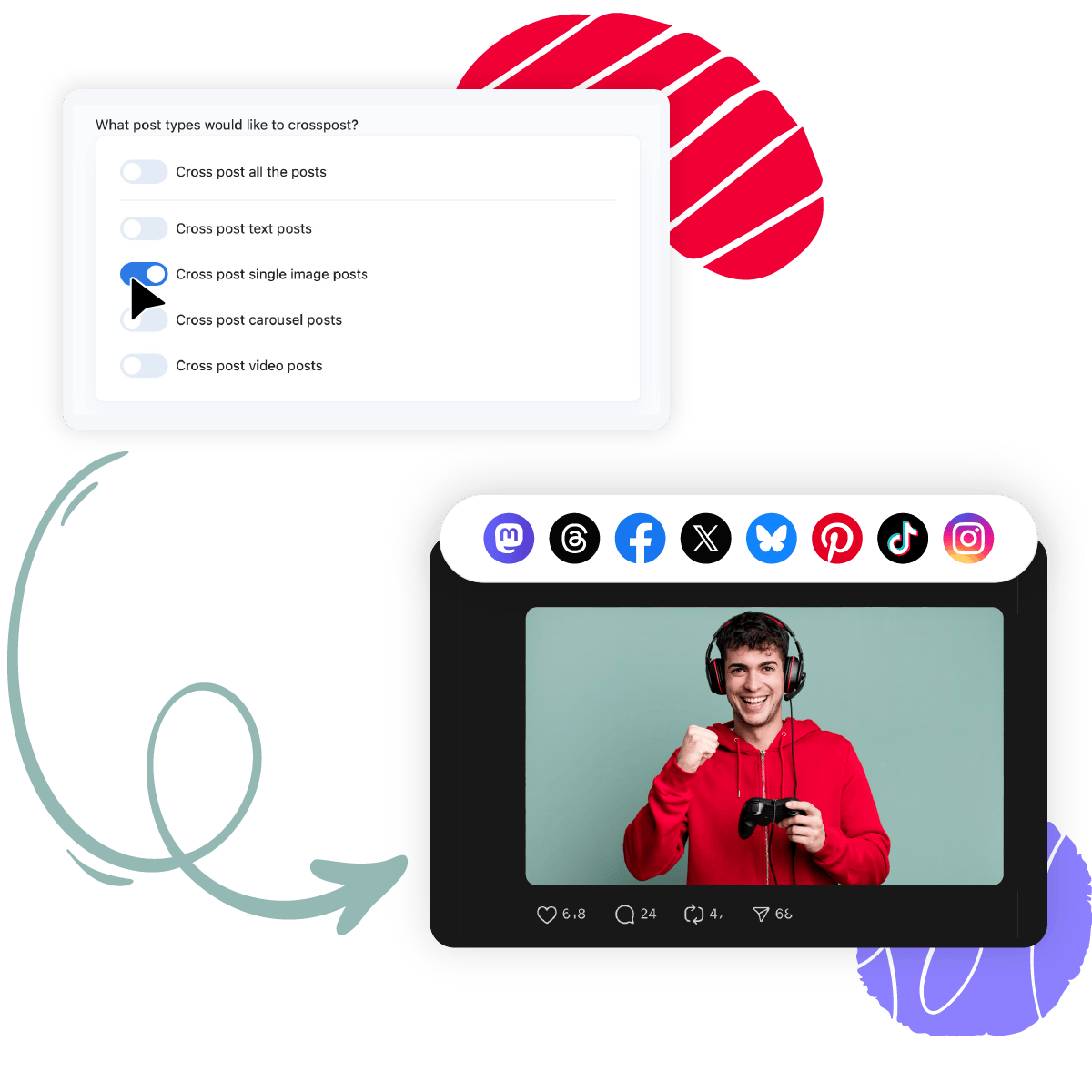
Choose exactly which types of LinkedIn posts you want to crosspost to Threads and other platforms. The available options include:
- All posts: Automatically crosspost every post you publish on LinkedIn.
- Text posts: Crosspost only posts that contain text without images or videos.
- Single image posts: Crosspost posts that include one image.
- Carousel posts: Crosspost posts that include a combination of images.
- Video posts: Crosspost posts that contain video content.
You can enable or disable each option based on your content strategy. You can also enable more than one option.
Collections and Scheduling
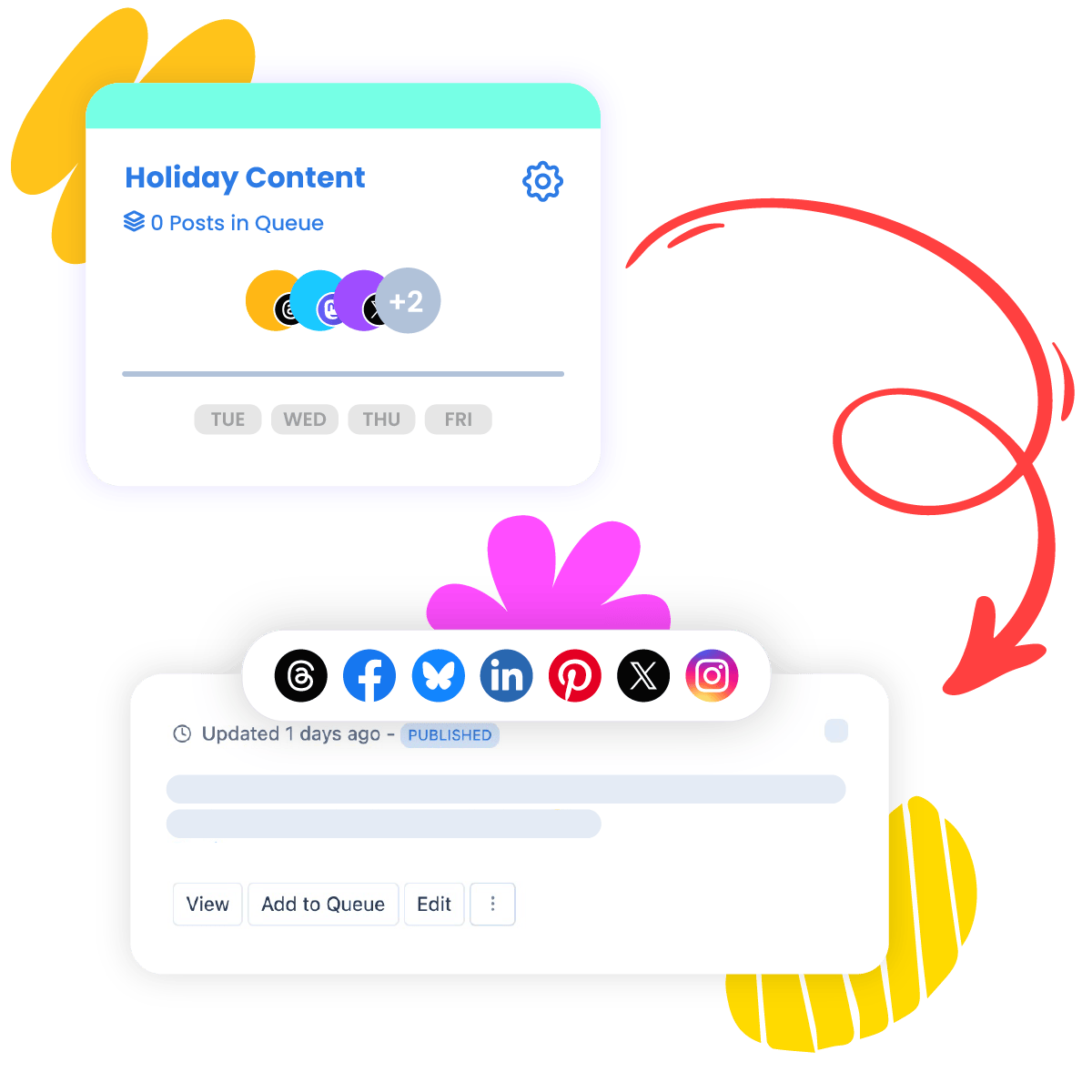
Add your crossposted content to a specific Collection in Nuelink. Collections help organize posts and manage when they are published according to a predefined schedule.
Once enabled, posts coming from your LinkedIn automation will be added to the selected Collection. The Collection’s schedule determines when the LinkedIn post will be shared to Threads.
Follow-Up Comments
You can add a follow-up comment to your Threads crossposted content after it goes live.
Write the comment in advance, including text, emojis, hashtags, and variables such as the post title ({{title}}) and caption ({{caption}}).
There's an option to delay the comment by a set number of minutes after the original post is published (e.g., a 60-minute delay).
Please note that the follow-up comment will be added only to Threads and not to LinkedIn.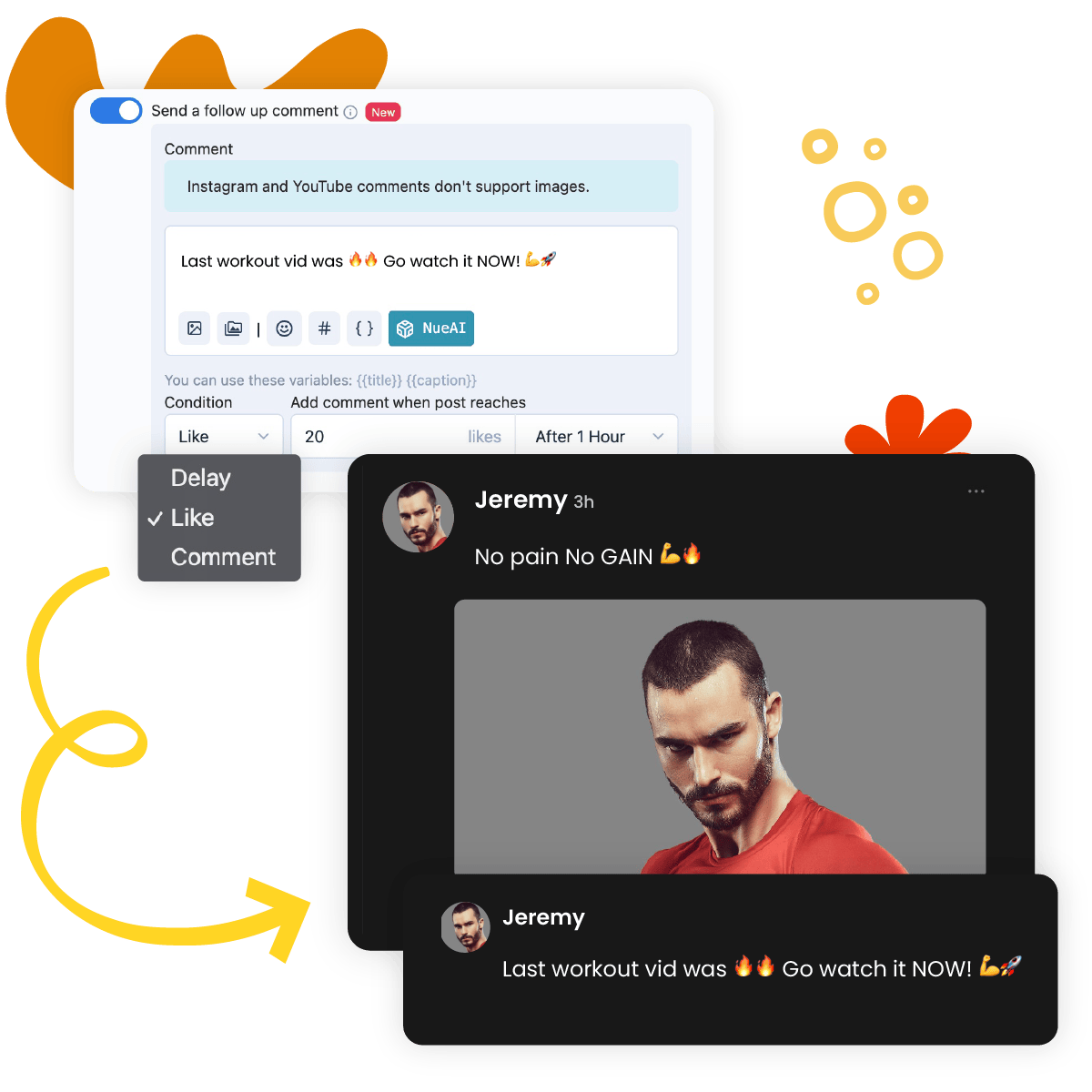
New · Works with ChatGPT & Claude
Tell your AI what to post. Nuelink publishes it.
Already use ChatGPT or Claude? Connect it to Nuelink in a couple of minutes via MCP, then just type what you want: “write three posts about our summer sale and schedule them for next week.” It drafts them and adds them to your schedule, across the accounts you've connected.
Just type what you want
Ask in plain English: “turn this blog into 5 posts,” “schedule this for Friday.” Your assistant does the steps; you just talk.
It can't go rogue
Your AI only posts to the accounts and time slots you've already set in Nuelink. Want a checkpoint? Tell it to save drafts for your approval.
Free on every plan
API & MCP access from day one, even on the free trial. No developer tier, no extra fee.
Generate your key
Settings → API → Create token.
Connect your tool
Add mcp.nuelink.com/mcp to Claude or ChatGPT.
Just ask
"Show my collections, then queue a post about X."
Celebrate 4 years with 4 months free
For a limited time, choose any yearly Nuelink plan and get 4 months
free.
Plan your content, automate your posts, and keep your social media active
for the next year without paying for the full year.
Free trial included · Cancel anytime.

I fell in love with Nuelink after trying the platform. It is very intuitive and is packed by a lot of features. I have always planned on subscribing to a social media scheduler, it was Nuelink who sealed the deal. Now I can write as much content as I can in one seating and just schedule them and even automatically cross-post them across platforms. BONUS: growing community and very supportive founder!John Carlo Cardenas
Social Media Manager
EXCLUSIVE OFFER 🚀
Get the social presence you deserve.
STANDARD
$16/monthUSD
$192 paid yearly 🎁 4 months free
$0.00 due today- 10 Social Channels
- 1 Brand
- 1 Member
- 10 Automations
- 10 Collections
- 500 Nue AI Credits
- 365 Posts in Queue
- 1 Link in bio
- API & MCP Access
PREMIUM
$32/monthUSD
$384 paid yearly 🎁 4 months free
$0.00 due today- 30 Social Channels
- 3 Brands
- 3 Members
- 30 Automations
- 30 Collections
- 3,000 Nue AI Credits
- Unlimited Posts
- 3 Link in bio
- API & MCP Access
BUSINESS
$52/monthUSD
$624 paid yearly 🎁 4 months free
$0.00 due today- 60 Social Channels
- 6 Brands
- 6 Members
- 60 Automations
- 60 Collections
- 6,000 Nue AI Credits
- Unlimited Posts
- 6 Link in bio
- API & MCP Access
AGENCY
$85.3/monthUSD
$1024 paid yearly 🎁 4 months free
$0.00 due today- 100 Social Channels
- 10 Brands
- 10 Members
- 100 Automations
- 100 Collections
- 10,000 Nue AI Credits
- Unlimited Posts
- 10 Link in bio
- API & MCP Access
AGENCY-PLUS
$152/monthUSD
$1824 paid yearly 🎁 4 months free
$0.00 due today- 300 Social Channels
- 30 Brands
- 30 Members
- 300 Automations
- 300 Collections
- 30,000 Nue AI Credits
- Unlimited Posts
- 30 Link in bio
- API & MCP Access
Recognized by industry leaders

Support
Zero-AI Customer Service
Unlike other tools, we offer human customer service that starts from day one, regardless of your plan. For agencies, we include Priority Support to ensure your questions are answered, issues are addressed, and suggestions are heard promptly. We're here for you!

Sanae

Bilal

Bouchra
The Nuelink Support Team has been awesome to work with!! Special thanks to Sanae for making sure I got what I needed in record time! We're new to the platform, but so far loving their analytics and all the functionalities within!
Mary Norwood
Brand Manager | WSS Solutions
Want to cross-post from LinkedIn to Threads automatically?
Connect your LinkedIn and Threads accounts to Nuelink, and automatically share your LinkedIn posts to Threads. No manual copy-pasting.
Start your 7-day free trial